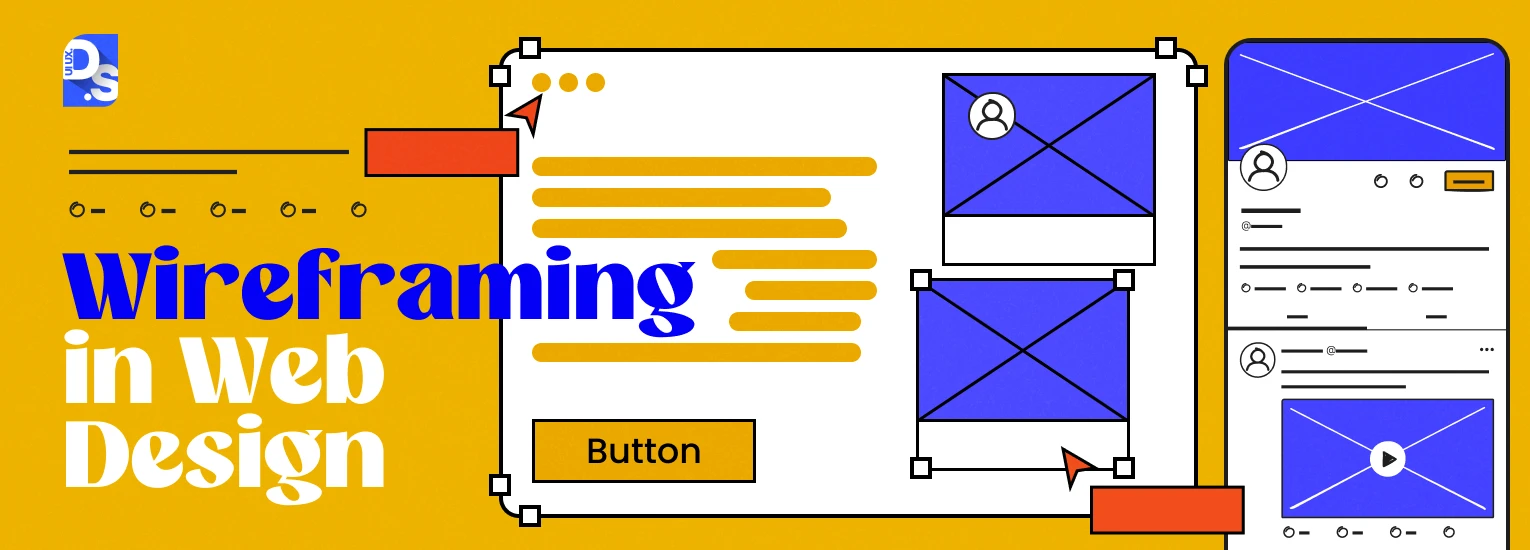
What is a Wireframe?
A wireframe is a low-fidelity, graphical representation that outlines the skeletal structure of a website or application. It focuses on layout, content hierarchy, and user interface elements without color, graphics, or high-end typography. It is the blueprint for your design.
Why Wireframing Matters:
- Clarity of Ideas: Helps to convert ideas into tangible layouts.
- Collaboration: Suggests feedback and collaboration with stakeholders early in the process.
- Cost-Effective: Identifies potential issues early, saving time and resources during development.
- Focus on Functionality: Allows designers to focus on usability and content hierarchy without being distracted by aesthetics.
Types of Wireframes:
Low-Fidelity Wireframes:
- Simple sketches.
- Focus on general layout and content placement.
- Typically created using pen and paper or basic digital tools.
Mid-Fidelity Wireframes:
- More detailed than low-fidelity.
- Include placeholders for images and clearer text representation.
- Useful for presenting to clients and teams.
High-Fidelity Wireframes:
- Almost final versions with detailed layouts.
- Include exact dimensions, typography, and possibly some interactivity.
- Often created in design tools like Figma or Sketch.
Wireframing Tools:
- Sketch: A vector-based design tool that is excellent for wireframing and UI designing.
- Figma: Great for cloud-based collaborative designs.
- Adobe XD: Used to create wireframes, prototypes, and user interfaces.
- Balsamiq: Great for low-fidelity wireframes with hand-drawn effects.
- InVision: Useful for making interactive wireframes and to be shared with stakeholders.
Steps to Create a Wireframe:
1. Define the Goal:
- What is the purpose of the website/app?
- Who is the target audience?
2. Research and Gather Content:
- Understand user needs and behaviors.
- Collect content that needs to be included on the site.
3. Sketch the Layout:
- Start with rough sketches on paper or a whiteboard.
- Define major sections (header, footer, navigation, content area).
4. Use a Grid System:
- Align elements to a grid for consistency and balance.
5. Add Content Hierarchy:
- Use headings, subheadings, and placeholders to prioritize content.
6. Include Key Elements:
- Navigation menus.
- Call-to-action buttons.
- Forms and fields input.
7. Test and Iterate:
- Feedback on the wireframe to the stakeholders.
- Revision of the things necessary.
Best Practices:
- Keep it Simple: Over-complication of the very first wireframe.
- Useful for Usability: Functionality and user-friendly interface.
- Consistency in the layout: Consistency across all pages.
- Mark-up for Clarity: Comments on features or what's happening.
- Test at an Early Stage: Validate your designs through user feedback, confirming usability.
Steps after Wireframing:
- Prototyping : Clickable prototypes of wireframes simulating user interaction.
- UI Design: The final visual design, add branding, colors and typography.
- Development: Pass the wireframe and design over to developers to make it.
"Find Out What Your Website’s Missing – Let’s Talk Today"


No comments:
Post a Comment