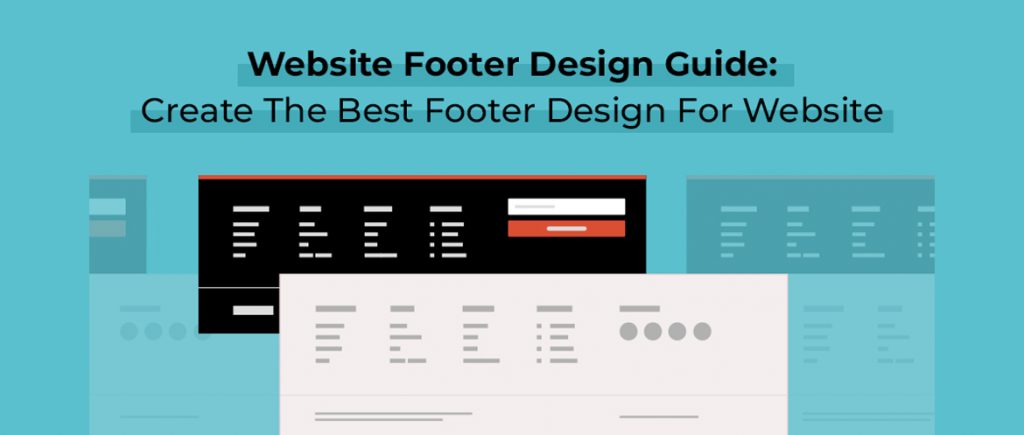
A well-designed website footer is the key to user experience, navigation, and SEO. It marks the final point of interaction on a webpage and must leave a lasting positive impression. Here's a comprehensive guide on creating a successful website footer design:
1. Purpose of a Footer
A footer serves several purposes:
- Navigation: It assists the user in finding essential links quickly, such as privacy policy or contact information.
- Credibility & Trust: Displaying key accreditations, certifications, or awards can give visitors that extra confidence boost.
- SEO: Including relevant internal linking can help with search engine optimization by pointing crawlers to relevant pages.
- User Engagement: Adding social media icons, newsletters, or contact forms can encourage continued engagement.
2. Footer Layout
A footer should be easy to understand but still useful. Here are the core elements to include:
a. Logo/Branding
- The logo or brand name should be ideally placed at the top or center of the footer. It reinforces brand identity and often links back to the homepage.
b. Navigation Links
- Primary Links: These are the main navigation links such as About Us, Services, Contact. This will make sure users can easily reach core pages without having to scroll up.
- Secondary Links: Less important but useful pages such as Terms & Conditions, Privacy Policy, or FAQs.
- Sub-navigation: If applicable, group similar links for one-click access.
c. CTA
- A call-to-action, such as "Subscribe to Our Newsletter" or "Request a Quote, is well-suited for inclusion in a footer. Convert more visitors with this conversion-encouraging step.
- Use a different, contrasting color to help a CTA stand out against the rest of your website.
d. Contact
- Include simple contact information. This includes a telephone number, email address and (if applicable) an office address.
- You can include a contact form or a contact page link, in case visitors want to get in touch directly.
Social Media Icons
- Icons to social networking sites like Facebook, Twitter, Instagram, LinkedIn, etc, will help the users in easy search and following your social media pages.
- Choose recognizable and standard icons with the same theme as of your website's design
Legal & Compliance Information
- Add any legal links, such as Terms of Service, Privacy Policy, Cookie Policy, and other disclaimers, to fulfill the requirement.
- Make it easy for users to locate these links because they may be legally required.
g. Subscribe Forms
- Ask users to subscribe to your newsletter or receive updates about promotions and new content. This should be included in a separate section of the footer.
3. Design Tips
- Simple Sack: Don't clutter your footer with unnecessary information. Instead, make it useful without litter.
- Brand consistency: Use the theme of your website in its design. Match up with color scheme, font usage, and icons as everywhere else in your website
- Typography: Font size has to be legible; also hierarchy needs to exist. Body texts are smaller, and it's expected that footers are equally readable.
- Whitespace: Leave enough space between links, text, and elements to avoid overcrowding and enhance the user experience.
- Responsive Design: The footer should adapt well to different screen sizes, whether on mobile, tablet, or desktop.
4. SEO Considerations
- Internal Linking: Ensure that relevant internal links are included in the footer to improve site navigation and pass link equity to important pages.
- Keywords: Avoid keyword stuffing, but strategically place a few relevant keywords in the footer (especially in text links).
- Alt Text for Images: Any images (like icons) in the footer should have descriptive alt text for better accessibility and SEO.
5. Footer Example Layout
Here's a potential structure for a well-organized footer:
1. Top Section:
- Logo with a link to the homepage.
- Main navigation links (e.g., Home, About Us, Blog, Services, Contact).
2. Middle Section:
- A short contact form or call to action (e.g., newsletter signup).
- Social media icons.
3. Footer:
- Legal links (Privacy Policy, Terms of Service).
- More resources (Careers, Site Map).
6. More Details
- Search Bar: If your site has a lot of content, consider adding a search bar in the footer so users can find what they need more quickly.
- Interactive Map or Location Information: If your business has a physical presence, a map or location-related information will be useful.
- Multilingual Support: For international businesses, including a language selector in the footer can also be helpful.
7. Footer Trends to Watch
- Sticky Footers: A fixed footer that sticks to the bottom of the page while scrolling provides access to important links without disrupting the main content.
- Minimalist Footers: Clean, simple footers with essential links and social media icons are gaining popularity.
- Microinteractions: Subtle animations, like hover effects on links or icons, can make the footer feel more interactive without being overwhelming.
8. Testing and Optimization
- A/B Testing: Test different footer designs and CTAs to see what works best for your audience.
- Analytics: Make use of website analytics to see how often users are interacting with elements in your footer and adjust accordingly.


No comments:
Post a Comment