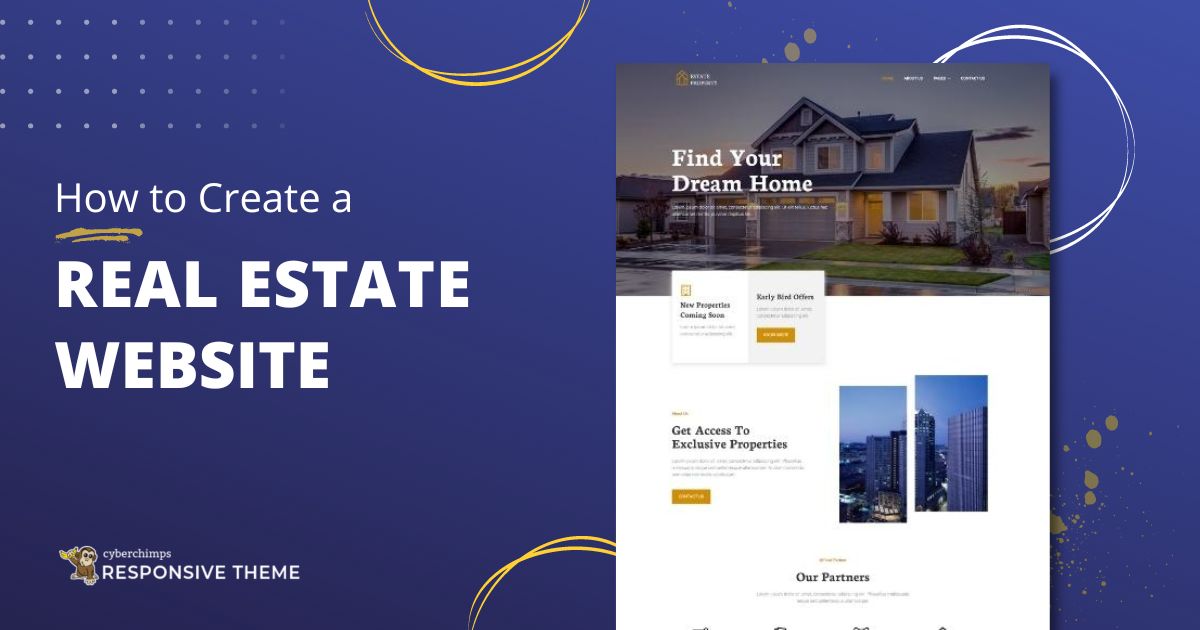
1. Planning and Preparation:
a. Define Your Goals
- Determine the reason for the website (listing properties, real estate services, agents).
- Define your target audience (buyers, sellers, renters, investors).
b. Research and Competitor Analysis
- Study successful real estate websites for inspiration.
- Note features, design styles, and functionalities you like.
c. Choose a Domain Name
- Select a domain name that is short, memorable, and relevant to real estate.
- Get a domain through providers such as GoDaddy, Namecheap, or Google Domains
- Select your hosting provider Choose an appropriate hosting plan depending on what traffic and performance would look like for your given website, such as, perhaps, Bluehost, SiteGround, or WP Engine.
2. Real Estate Web Basic Functions:
- Property Details/Information: Add Photos + description + key detail-informative items, such as prices + locations + square-footages
- Search Function : To facilitate a search by such values of filters as price-range by address.
- interactive map display: Integrate use with your location.
- Mobile Responsiveness: Ensure the site works smoothly on mobile devices.
- Lead Capture Forms: Add contact forms to capture visitor details.
- Agent Profiles: Showcase agents' expertise and contact information.
- Blog Section: Share real estate tips, market trends, and news.
- Testimonials: Highlight reviews from satisfied clients.
- CRM Integration: Link to a CRM tool for managing leads and client interactions.
3. Designing the Website:
a. Choose a Platform
- No-Code/Low-Code Platforms: Wix, Squarespace, or Weebly for simpler websites.
- CMS: WordPress with a theme of real estate, e.g., Houzez or RealHomes.
- Custom Development: Using HTML, CSS, and JavaScript for the customization of the website, as that requires coding skills.
b. Design Best Practices
- Using a clean, professional look with intuitive navigation.
- Optimizing images and code to make it fast on load.
- Choosing the best colors, fonts, and styles that represent your brand.
c. Create or Buy a Template
- Using pre-designed templates available from ThemeForest or Templatemonster.
4. Development Phase:
a. Introduce MLS (Multiple Listing Service)
- Fetch and display dynamic MLS property listings using an MLS-plugin or API.
b. Crucial Pages
- Home page: Display top properties plus search bar.
- About: Showcase the company values/history.
- Properties: Separate listings page.
- Blog: Post all types of educational/promotional content.
- Contact Us: Show all contact details, phone and email plus a contact form.
c. Analytics Setup:
- Add a Google Analytics to analyze their user behavior and website performance and improvement.
5. Launch And Promotion:
a. Test the Website
- Broken links, browser compatibility, and mobile responsiveness.
- Test all forms and interactive features.
b. Optimize for SEO
- Use relevant keywords in titles, descriptions, and content.
- Create meta descriptions and alt text for images.
- Ensure the site is mobile-friendly.
c. Launch and Promote
- Announce the launch via email and social media.
- Use paid advertising, such as Google Ads or Facebook Ads, to drive traffic.
- Network with local agents and agencies for partnerships.
"Find Out What Your Website’s Missing – Let’s Talk Today"
6. Ongoing Maintenance:
- Regularly update property listings and blog content.
- Monitor site performance and fix issues promptly.
- Stay updated on web design trends and SEO practices.


No comments:
Post a Comment