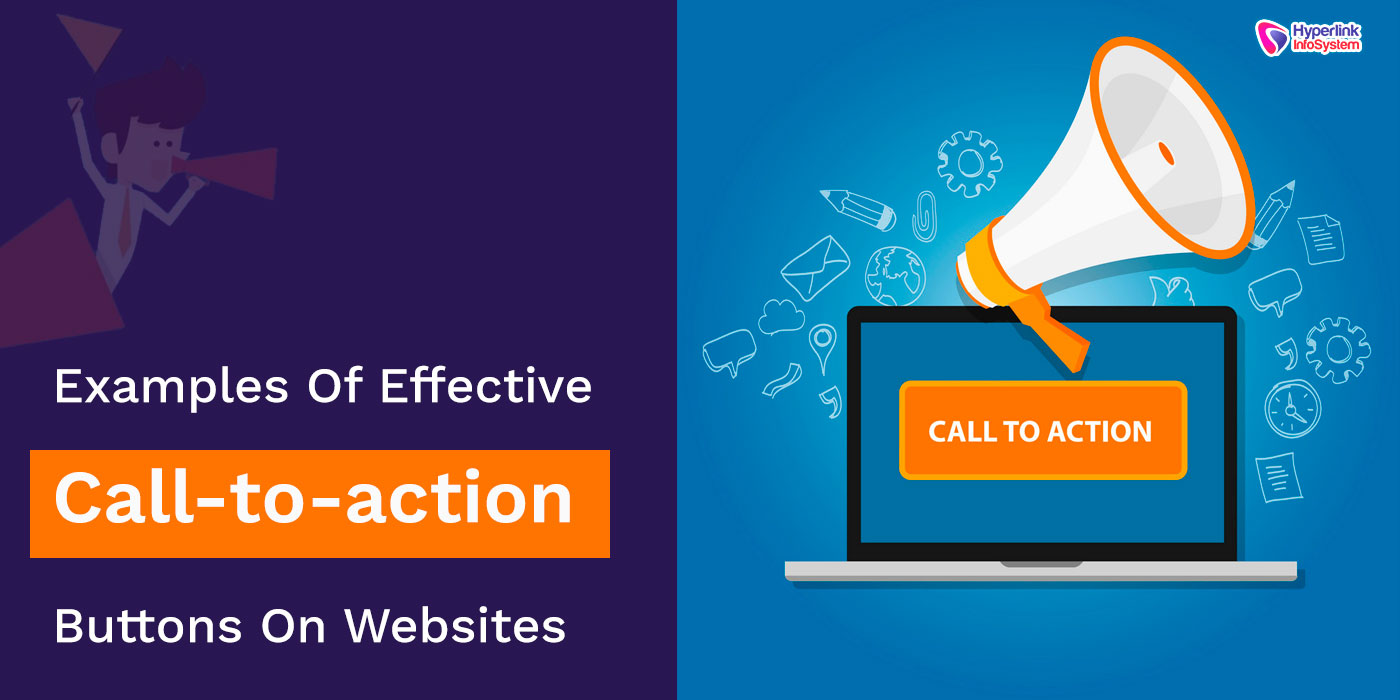
1. Use action-oriented language.
- Make the content clear and attention-grabbing.
- Use the verbs that directly call for a prompt action :
- "Get Started", "Download Now", "Claim Your Offer".
2. Make CTAs Pop
- Utilize contrasting color to make sure it stands out.
- Keep proper white space in the CTA button.
- Highlight the font style to read with ease.
3. Urgency
- Call action with time-sensitiver words
- e.g. "Limited Offer", "Sign up before it is gone", "Join today–50% Off!"
4. Optimize size and placement
- Place CTAs where they are most likely to be noticed: above the fold, at the bottom of blog posts, in pop-ups.
- Big enough to touch on a mobile device.
5. Personalize to the User
- AI-driven or dynamic CTAs that change based on user behavior
- Examples: "Resume Your Course", "Continue Shopping".
6. Lower the Risk through Social Proof & Guarantees
- Add trust signals close to the CTA
- "Join 50,000+ Happy Users", "Money-Back Guarantee".
7. A/B Test for Performance
- Experiment with different colors, wordings and placements.
- Track clicks and conversions to see what works best.


No comments:
Post a Comment