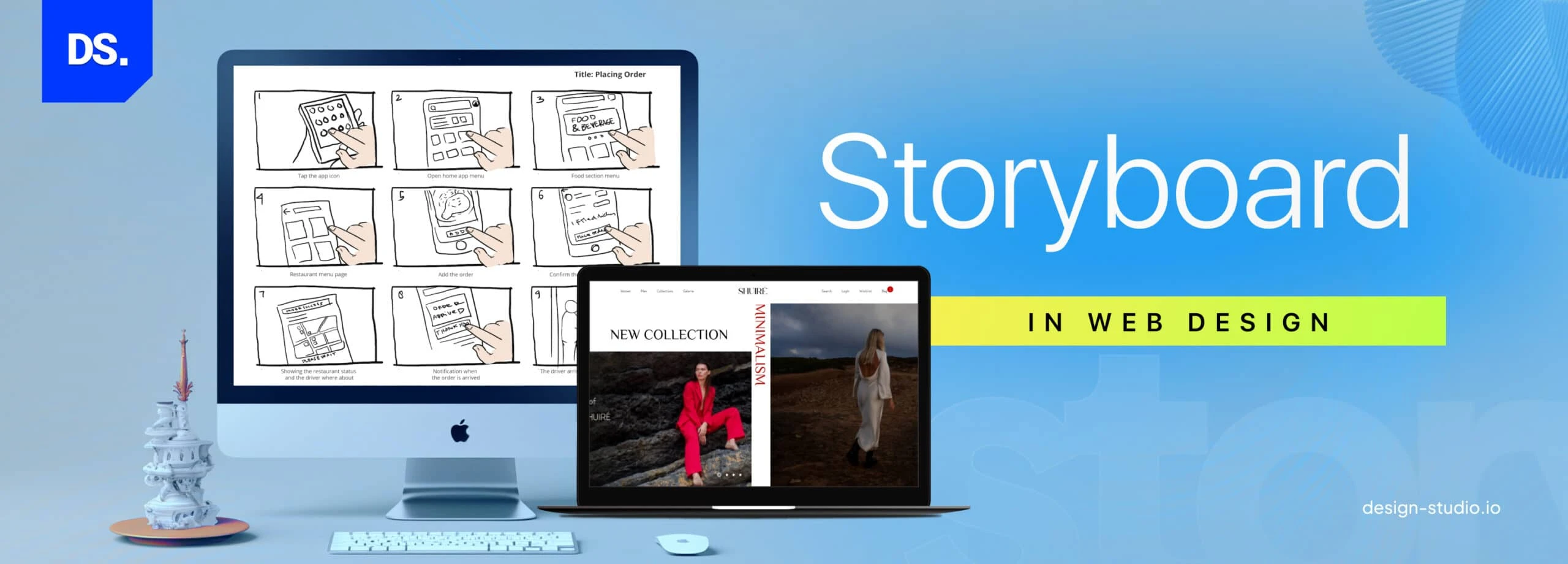
A storyboard in web design is a visual planning tool that outlines the structure, layout, and flow of a website before development begins. It acts as a blueprint, helping designers and developers map out key elements such as navigation, content placement, user interactions, and page transitions.
Why Use a Storyboard in Web Design?
✔ Visualizes the Website Structure – Helps teams and stakeholders understand how different pages connect.
✔ User Experience (UX) Improvement – Provides logical navigation and content flow.
✔ Collaboration Improvement – Aligns designers, developers, and clients with the project's goals.
✔ Revision & Error Reduction – Points out problems early on, thus saving time and costs.
Components of a Web Design Storyboard
???? Wireframes: Low-fidelity mockups or sketches of each page.
???? Navigation Flow: How the user navigates from one page to another.
Content Placement: Text location, image placement, CTAs, and interactive content.
User Actions: Clicks on buttons, submits forms, navigations in the menu.
Visual Elements: Color schemes, typography, and branding.
How to Make a Web Design Storyboard
1. Define Website Goals – Identify the target audience and purpose of the site.
2. Sketch the Layout – Create rough wireframes for key pages.
3. Map the Navigation Flow – Show how pages connect.
4️. Placement of Content Elements – Positioning text, images, and CTAs.
5️. Review and Refine– Get some feedback and adjust before finalizing the design.


No comments:
Post a Comment