Friday, 10 January 2025

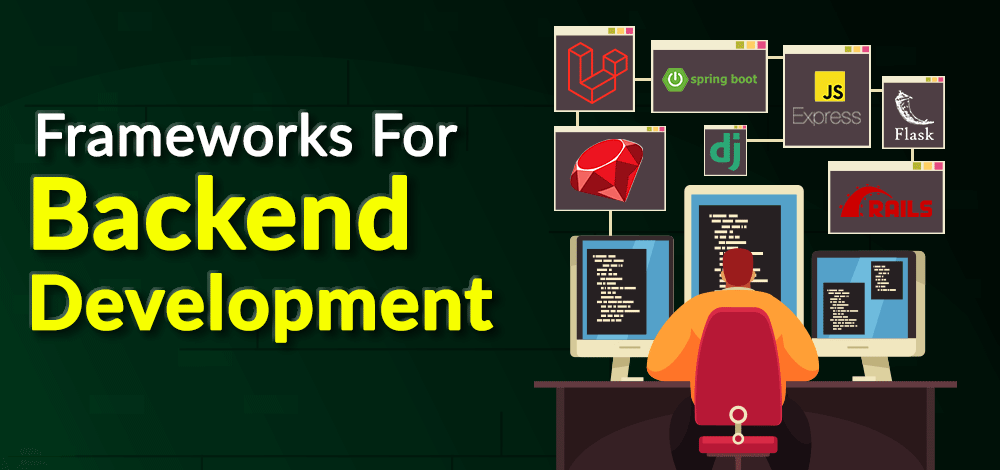
𝐌𝐨𝐬𝐭 𝐮𝐬𝐞𝐝 𝐁𝐚𝐜𝐤𝐞𝐧𝐝 𝐅𝐫𝐚𝐦𝐞𝐰𝐨𝐫𝐤


1. Node.js (Runtime Environment with Frameworks like Express.js)

Node.js is a runtime for JavaScript, enabling server-side scripting. It is often used in combination with Express.js, which is a minimalist framework for web application development.

Key Features:

Non-blocking I/O: it handles multiple requests at the same time.

Fast Execution: It is built on Google's V8 engine.

NPM Ecosystem: thousands of libraries available.

Pros:

Lightweight and efficient.

Single language for frontend and backend, that is, JavaScript.

Scalable for real-time applications like chat apps.

Use Cases:

Real-time applications, for example, chat apps, gaming.

Single-page applications (SPAs).

API services.

Examples:

LinkedIn, Netflix, Uber.


2. Django (Python)

Django is a high-level Python framework that is known to be simple yet scalable. Rapid development and clean, pragmatic design are emphasized.

Features

Batteries-included: Comes with ORM, authentication tools, and so much more

Security-first: Built with protection against most common vulnerabilities in mind

Admin Panel: An automatically generated admin interface for your backend

Advantages

Speeds up the development process.

Excellent community support.

High security.

Use Cases

E-commerce applications

Content management systems

Social networking sites

Examples

Instagram, Pinterest, Mozilla


3. Spring Boot (Java)

Spring Boot simplifies the creation of production-grade Spring-based applications.

Key Features

Microservices-ready: Perfect for building distributed systems.

Dependency Injection: Less boilerplate code.

Integrated Testing: Tools for unit and integration testing.

Advantages:

Very flexible and customizable.

Good security.

Scalable to huge enterprise applications.

Usage:

Enterprise software.

Systems of complex business logic.

Microservices architecture.

Examples:

Netflix, Amazon, eBay.


4. Ruby on Rails (Ruby)

Rails is a developers' favorite framework that's based on convention over configuration.

Important Features

Scaffolding: Generates lots of code quickly in development.

Active Record: Comes as an integrated ORM for managing database.

MVC Architecture: It has separation of concerns

Pros

It ensures high productivity in the developers' end.

Rich set of libraries (gems).

Strong community support.

Use Cases:

E-commerce websites.

MVPs for startups.

Social media platforms.

Examples:

Shopify, GitHub, Airbnb.


5. Laravel (PHP)

Laravel is a PHP framework for elegant and expressive coding.

Key Features:

Eloquent ORM: Makes database operations simple.

Blade Template Engine: Makes front-end integration easy.

Routing: Clean and intuitive route definitions.

Pros:

Easy to learn and use.

Large ecosystem (e.g., Laravel Forge, Vapor).

Excellent documentation.

Use Cases:

Web applications.

API development.

Custom CMS solutions.

Examples:

Deltanet Travel, Invoice Ninja.


6. Flask (Python)

Flask is a lightweight, microframework for Python, focused on simplicity and minimalism.


Main Features:

Extensibility: Add only what you need.

WSGI and Jinja2 Support: Ensures flexibility in app creation.

No ORM by Default: Lets developers choose database tools.

Pros:

Minimal learning curve.

Highly customizable.

Good for small to medium-sized projects.

Use Cases:

Prototyping.

Microservices.

RESTful APIs.

Examples:

Netflix, Reddit, Lyft.


7. ASP.NET Core (C#)

ASP.NET Core is a cross-platform, high-performance framework for building modern applications.

Main Features:

Integration with.NET ecosystem: Easy use of libraries and tools.

Cross-platform: Works on Windows, macOS, and Linux.

Cloud-ready: Optimized for modern cloud-based solutions.

Pros

High performance

Comprehensive tooling

Tight integration with Microsoft ecosystem

Use Cases

Enterprise-level applications

Cloud-based solutions

IoT applications

Examples

Stack Overflow, Microsoft.
"We Can Help You Build Your Website – Contact Us Now!"

Thursday, 9 January 2025

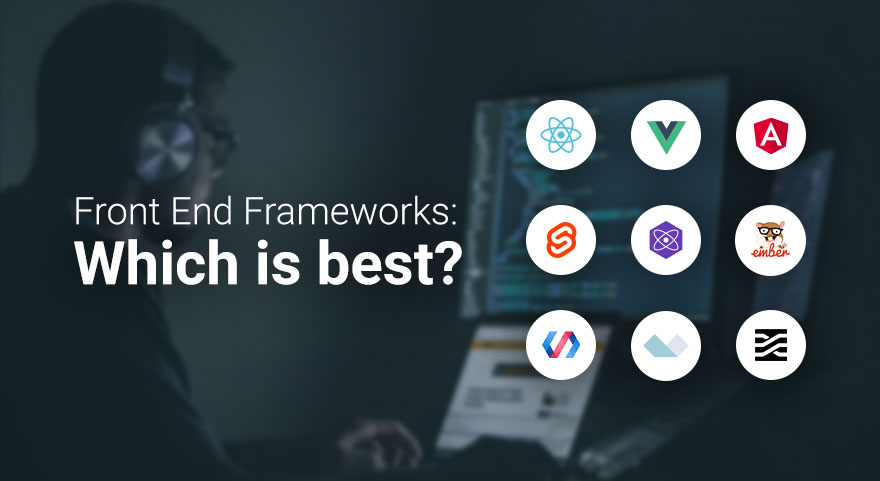
𝐌𝐨𝐬𝐭 𝐔𝐬𝐞𝐝 𝐅𝐫𝐨𝐧𝐭 𝐄𝐧𝐝 𝐅𝐫𝐚𝐦𝐞𝐰𝐨𝐫𝐤


Front-end frameworks are a developer's best tool to create UI for applications by providing pre-built components and libraries. Here is an overview of the most used front-end frameworks, their features, use cases, and strengths:


1. React.js

Developer: Meta (Facebook)

Release Year: 2013

Language: JavaScript

Core Features:

Component-Based Architecture: Breaks the UI into reusable components.

Virtual DOM: Efficient updates and rendering.

One-Way Data Binding: Ensures stable code and easy debugging.

Rich Ecosystem: Includes libraries like Redux for state management and React Router for navigation.

Strengths:

High performance due to Virtual DOM.

Backed by a large community and extensive documentation.

Flexibility to integrate with other libraries or frameworks.

Use Cases:

Building dynamic web applications (e.g., Facebook, Instagram, Airbnb).

Progressive Web Apps (PWAs).


2. Angular

Developer: Google

Release Year: 2010 (as AngularJS); complete rewrite in 2016 as Angular.

Language: TypeScript

Core Features:

Two-Way Data Binding: Synchronizes the model and view automatically.

Dependency Injection: Service management

Directives: It is used for adding custom HTML attributes for enhancing the functionality

Comprehensive Tools: Provides all that is needed to build, test, and debug

Pros:

Full-featured framework that gives a complete solution for front-end development

Great support for enterprise-grade applications

High performance because of Ahead-of-Time (AOT) compilation

Use Cases:

Developing big applications, like Google Workspace applications

Single Page Applications (SPAs)


3. Vue.js

Author: Evan You

Released in: 2014

Programming Language: JavaScript

Main Features:

Reactive Data Binding: The DOM automatically gets updated.

Template Syntax: Combines HTML with directives for dynamic rendering.

Component-Based: Modular and reusable components.

Lightweight: Smaller size compared to other frameworks.

Strengths:

Easy to learn and integrate into projects.

Strong community and rich ecosystem.

Flexibility without enforcing strict project structure.

Use Cases:

Building user-friendly interfaces for smaller to medium-scale projects (e.g., Alibaba, Xiaomi).

Prototyping and rapid development.


4. Svelte

Developer: Rich Harris

Release Year: 2016

Language: JavaScript

Core Features:

Compiler-Based: Converts components into highly efficient vanilla JavaScript during build time.

No Virtual DOM: Direct DOM updates for improved performance.

Reactive Declarations: Simplifies state management.

Strengths:

Extremely fast runtime performance.

Minimal boilerplate code.

Lightweight and easy to learn.

Use Cases:

Building high-performance web apps.

Applications where bundle size and speed are critical.


5. Next.js

Developer: Vercel

Release Year: 2016

Language: JavaScript (React-based)

Core Features:

Server-Side Rendering (SSR): Improves SEO and performance.

Static Site Generation (SSG): Pre-renders pages for speed.

API Routes: Built-in backend functionality.

Automatic Code Splitting: Optimizes bundle size.

Strengths:

Perfect for building modern web apps and websites.

Great support for hybrid rendering (SSR and SSG).

Smooth integration with React.

Use Cases:

E-commerce websites, such as Shopify.

Resource-heavy websites, like blogs or news portals.


6. Bootstrap

Developer: Twitter

Year of Release: 2011

Language: CSS, HTML, JavaScript

Key Features:

Responsive Grid System: Easy creation of responsive designs.

Pre-Styled Components: Buttons, modals, navigation bars, and many more.

Customizable: Theming is quite easy using SCSS variables.

Advantages:

Easy front-end development with components available for direct use.

Fully supports all the latest browsers.

Detailed documentation with numerous examples.

Use Cases:

Rapid prototyping.

Small sites with homogeneous design.

"Find Out What Your Website’s Missing – Let’s Talk Today"

Wednesday, 8 January 2025

𝐌𝐨𝐬𝐭 𝐏𝐨𝐩𝐮𝐥𝐚𝐫 𝐖𝐞𝐛 𝐀𝐩𝐩𝐥𝐢𝐜𝐚𝐭𝐢𝐨𝐧 𝐅𝐫𝐚𝐦𝐞𝐰𝐨𝐫𝐤


1. React.js (Frontend)
  • Description: A JavaScript library for building user interfaces, developed by Facebook.
  • Popularity: Widely used for single-page applications (SPAs).
  • Key Features:
  • Component-based architecture.
  • Virtual DOM for faster rendering.
  • Rich ecosystem and community support.
  • Use Cases: Dynamic websites, dashboards, e-commerce platforms.

2. Angular (Frontend)
  • Description: A TypeScript-based framework maintained by Google.
  • Popularity: Favored for enterprise-grade applications.
     Key Features:
  • Two-way data binding.
  • Dependency injection.
  • Comprehensive suite of tools for full-stack development.
     Use Cases: Large-scale applications, single-page applications (SPAs).

3. Vue.js (Frontend)
  • Description: Lightweight JavaScript framework that is easy to learn and implement.
  • Popularity: Gaining popularity due to its simplicity and flexibility.
     Key Features:
  • Reactive data binding.
  • Integration capabilities with existing projects.
  • Strong community and documentation.
     Use Cases: Progressive web apps (PWAs), small to medium-sized applications.

4. Django (Backend)
  • Description: A Python-based framework that focuses on rapid development and clean design.
  • Popularity: Preferred for its simplicity and "batteries-included" philosophy.
     Key Features:
  • Built-in ORM, authentication, and admin panel.
  • Highly secure and scalable.
     Use Cases: Content management systems, APIs, e-commerce sites.

5. Ruby on Rails (Backend)
  • Description: A framework based on Ruby, known for its developer-friendly syntax and conventions.
  • Popularity: Used by a lot of startups because it provides rapid development.
  • Key Features:
  • Convention over configuration.
  • Built-in ORM (Active Record) and migrations.
  • Use Cases: Social networking sites, SaaS platforms.

6. Flask (Backend)
  • Description: A micro framework for Python which is lightweight and flexible.
  • Popularity: Preferred in projects that need more control over components.
     Key Features:
  • Very minimalistic. Easy to get started.
  • Highly extensible with third-party libraries. 
  • Use Cases: Small applications, RESTful APIs.

7. Laravel (Backend)
  • Description: A PHP framework focused on elegant syntax and developer productivity.
  • Popularity: Dominates the PHP framework landscape.
     Key Features:
  • Built-in authentication, routing, and templating.
  • ORM (Eloquent) for database management.
     Use Cases: E-commerce, content-heavy sites, SaaS applications.

8. Express.js (Backend)
  • Description: A minimal and flexible Node.js web application framework.
  • Popularity: A go-to framework for building server-side applications in JavaScript.
     Key Features:
  • Middleware support for request handling.
  • Integration with Databases and APIs.
     Use cases: RESTful APIs, applications in real time.

9. Spring Boot
  • Description: An open-source java-based framework, which can develop production-grade spring applications and prototypes very quickly, with absolutely zero boilerplate code.
  • Popularity: Enterprise applications, Financial apps.
     Key features:
  • Dependency Injection and Micro Services.
  • Auto configuration and embedded Servers.
    Use Cases: Enterprise apps, Micro-services.

10. ASP.NET Core
  • Description: A cross-platform modern open-source developer platform that executes on.NET Core.
  • Developed by: Microsoft.
  • Use cases: Enterprises, APIs.

How to Choose the Right Framework?
  • Use Case: According to the application type (whether it is single-page, API-heavy, enterprise-grade, and so on)
  • Language Preference: According to team programming language skill
  • Community and Ecosystem: The more mature the community the better it can support
  • Performance: It may be important if the application really needs scalability, performance.

Tuesday, 7 January 2025

𝐌𝐨𝐬𝐭 𝐏𝐨𝐩𝐮𝐥𝐚𝐫 𝐖𝐞𝐛 𝐏𝐫𝐨𝐠𝐫𝐚𝐦𝐦𝐢𝐧𝐠 𝐋𝐚𝐧𝐠𝐮𝐚𝐠𝐞.


The most used web programming language differs according to the criteria (for example, usage, demand, or developer preference). However, here are some of the top contenders as of 2025:

1. JavaScript:
Why Popular: Ubiquitous in web development, JavaScript runs on nearly every browser and is essential for front-end development.
Uses:
  • Front-end frameworks like React, Angular, and Vue.js.
  • Back-end with Node.js.
  • Full-stack development.
  • Popularity: Consistently ranked #1 in surveys like Stack Overflow Developer Survey.

2. Python:

Why Popular: Easy to read and write, so it is in wide use with web development; frameworks include Django and Flask.
Uses:
  • Web applications.
  • Building back-end API.
  • Machine learning and AI combined with web apps.
  • Popularity: Still on the increase, especially amongst beginners and within data-intensive applications.
3. PHP:
Why Popular: It has long been in existence for web development and is extremely popular for developing dynamic websites.
Uses:
  • Content management systems: WordPress, Joomla, and Drupal.
  • Server-side scripting.
  • Popularity: Still widely used, especially in CMS-based development despite the presence of competition.
4. Java:
Why Popular: A strong and secure language mostly preferred for enterprise-level applications and big systems.
Use:
  • Web application with Spring Framework
  • E-commerce and Enterprise Scalable System
  • Popularity: It is the most preferred choice in an enterprise environment.
5. TypeScript:
Why Popular: It is a superset of JavaScript that introduces static typing and thus is mostly used for bigger, more complex projects.
Use:
  • Front-end framework like Angular
  • Back-end, that is Node.js with TypeScript.
  • Popularity: Increasing due to increased tooling and developer productivity.

6. Ruby:

Why Popular: Elegant syntax and developer-friendly environment, in particular with Ruby on Rails
Usage:
  • Web application development
  • Start-ups and rapid prototyping
Popularity: Supporting a dedicated user group though in decline overall

7. Go (Golang):

Why Popular: Speed, efficiency, and scalability, primarily for building web services
Usage
  • Web APIs
  • Distributed systems
  • Popularity: Rapidly increasing in the cloud and microservices

8. C#:

Why Popular: Used for web development in the Microsoft ecosystem, especially with ASP.NET.
Uses:
  • Web applications.
  • Enterprise solutions.
  • Popularity: Favorite for Windows-based development.
Each language has its strengths and is suited to specific use cases. JavaScript remains the most versatile and widely used, especially for modern web applications.


Sunday, 5 January 2025

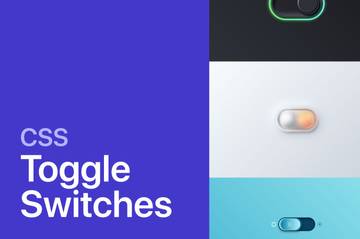
𝗧𝘆𝗽𝗲𝘀 𝗼𝗳 𝗕𝗲𝗮𝘂𝘁𝗶𝗳𝘂𝗹 𝗖𝗦𝗦 𝗧𝗼𝗴𝗴𝗹𝗲 𝗦𝘄𝗶𝘁𝗰𝗵


CSS toggle switches are a modern web design aspect that makes for user-friendly interfaces. Here's a complete guide to the types of beautiful CSS toggle switches you can use, including their design and functionalities:

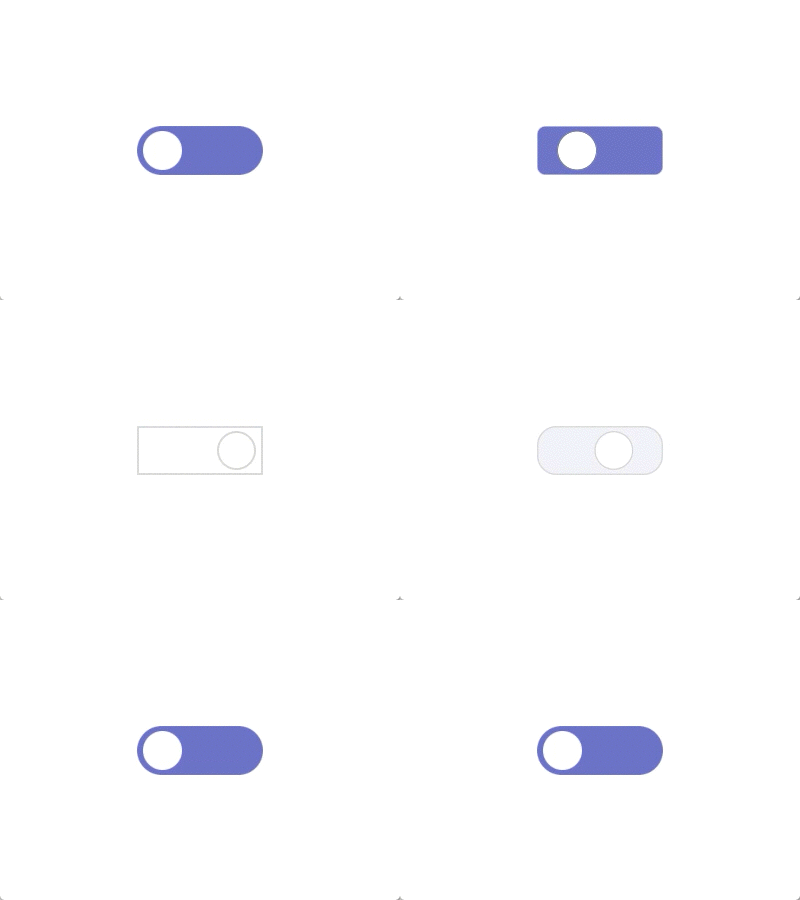
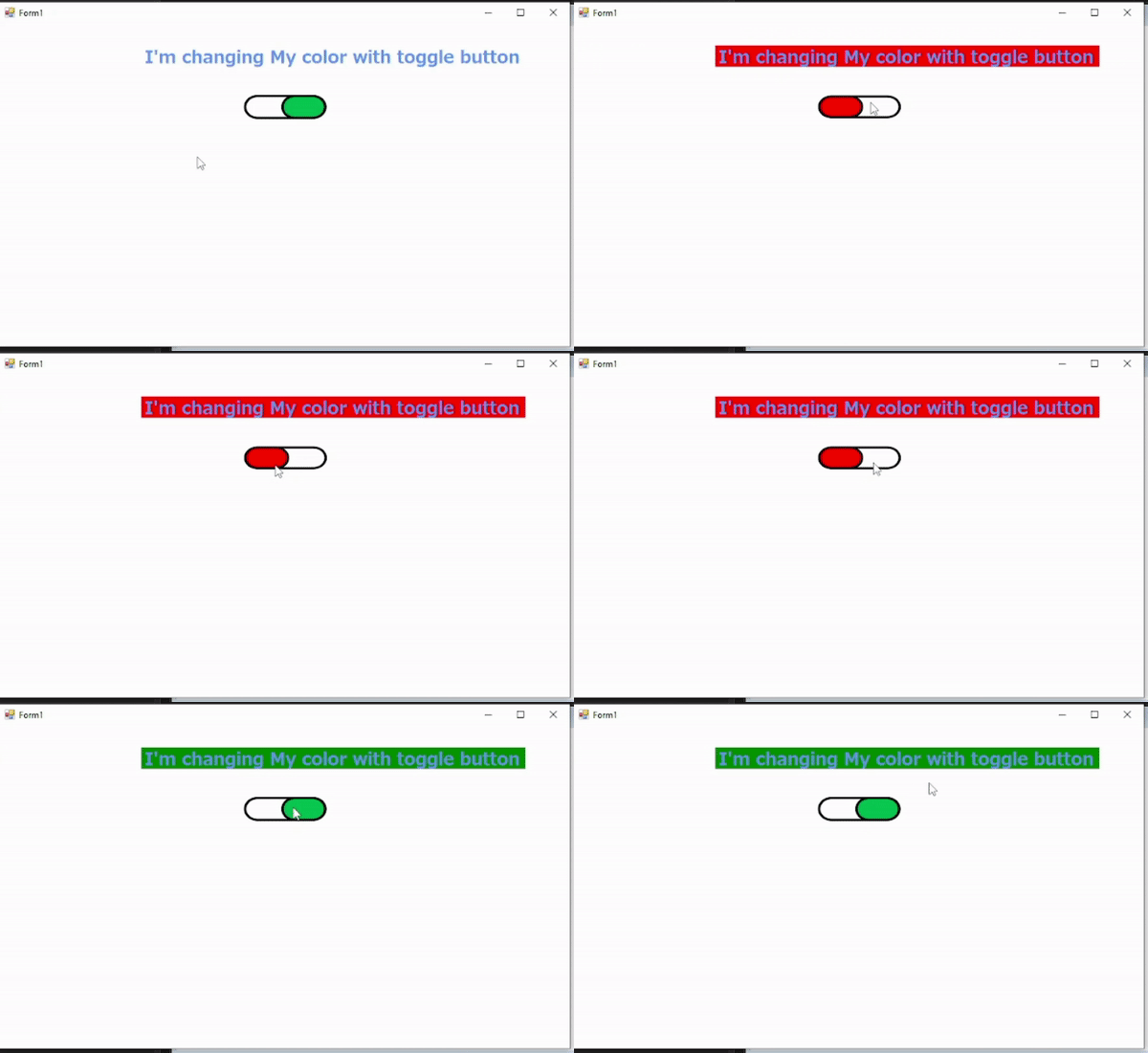
1. Classic On/Off Toggle:

Simple switch with "On" and "Off" text labels.

Features

  • Change in text or color states.
  • Accessible minimalistic design
  • Use Case: This is the perfect use for enabling/disabling simple features.


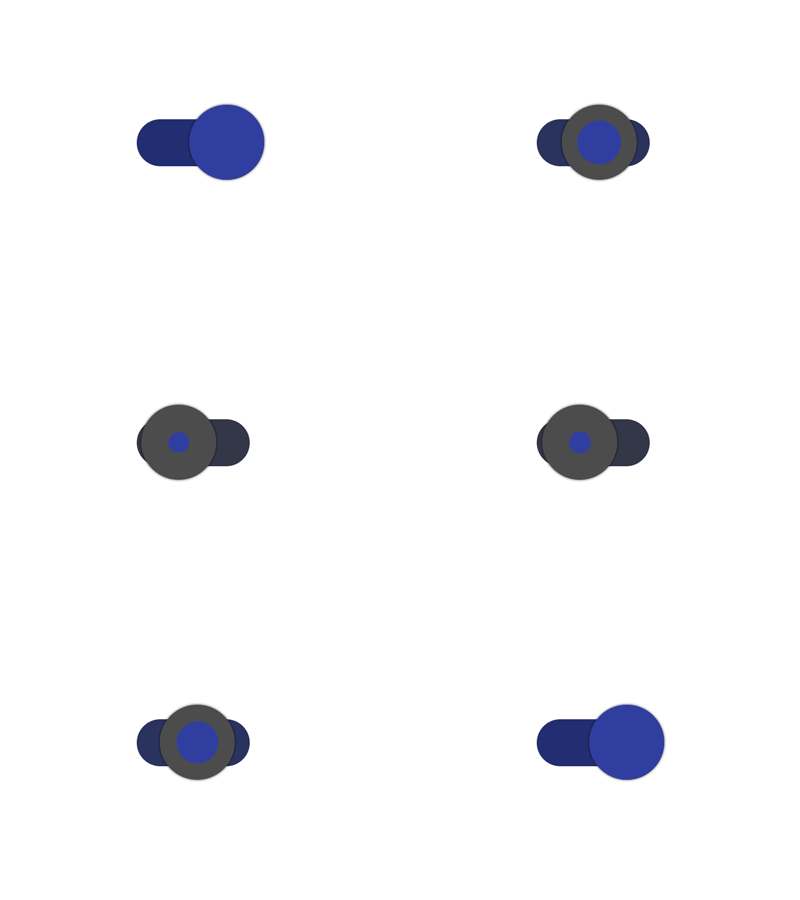
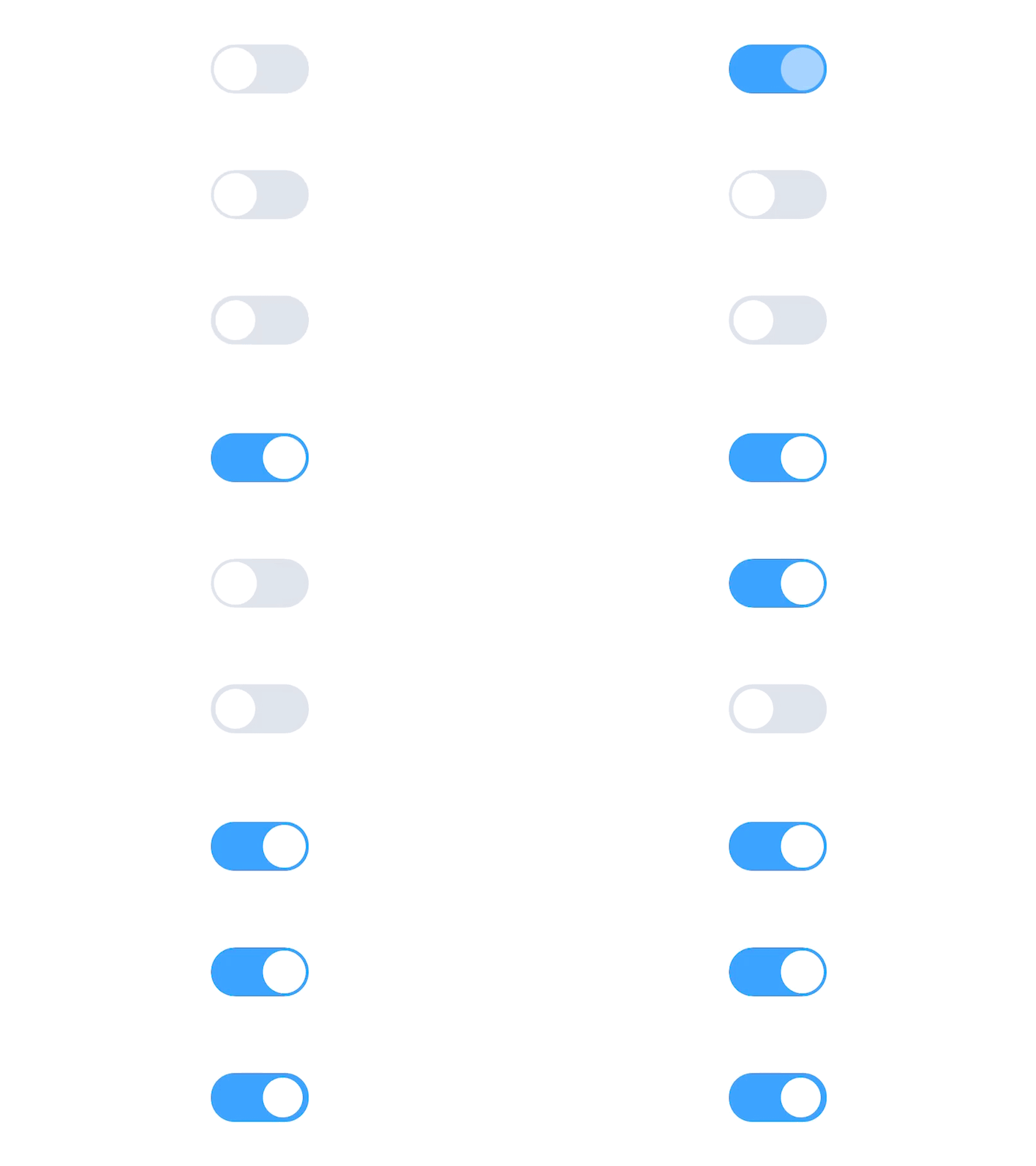
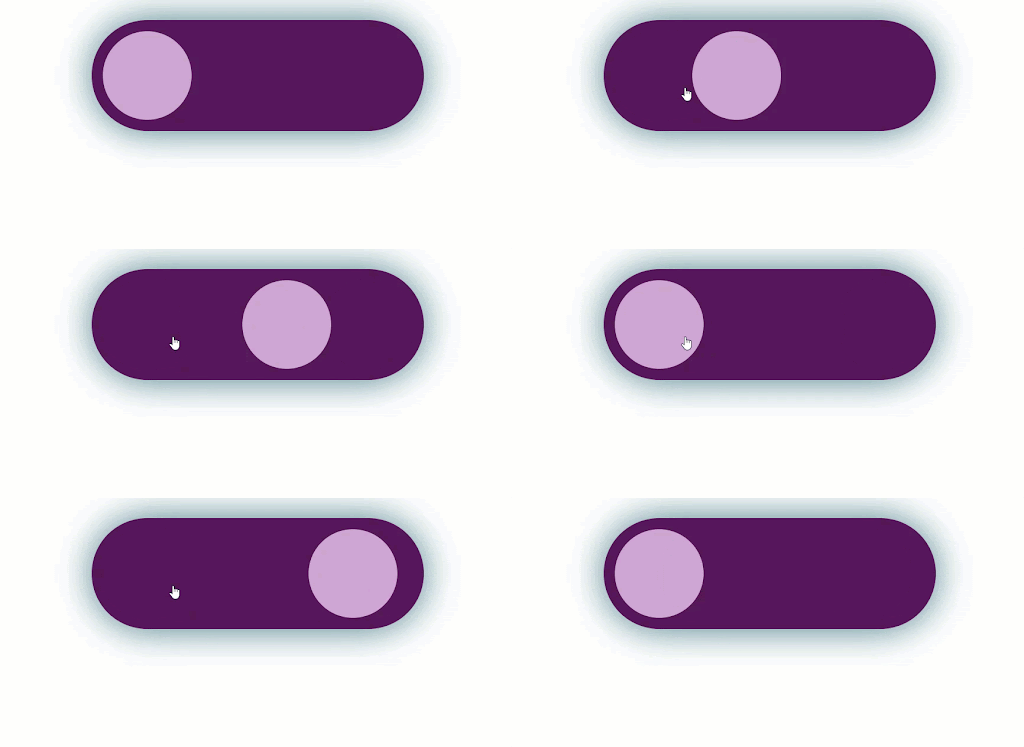
2. Round Slider Toggle:


A circular knob that moves side-by-side along a track
Features
  • Smooth animations.
  • Can include hover and focus effects.
  • Application: Most common in mobile apps or new-age web applications.

3. Icon-based Toggle:

The toggle can use any two icons (for example, a sun and moon for dark mode).
Features:
  • Textless aesthetics
  • Customizable icons according to usage
  • Use Case: Suitable for themes and content filtering.


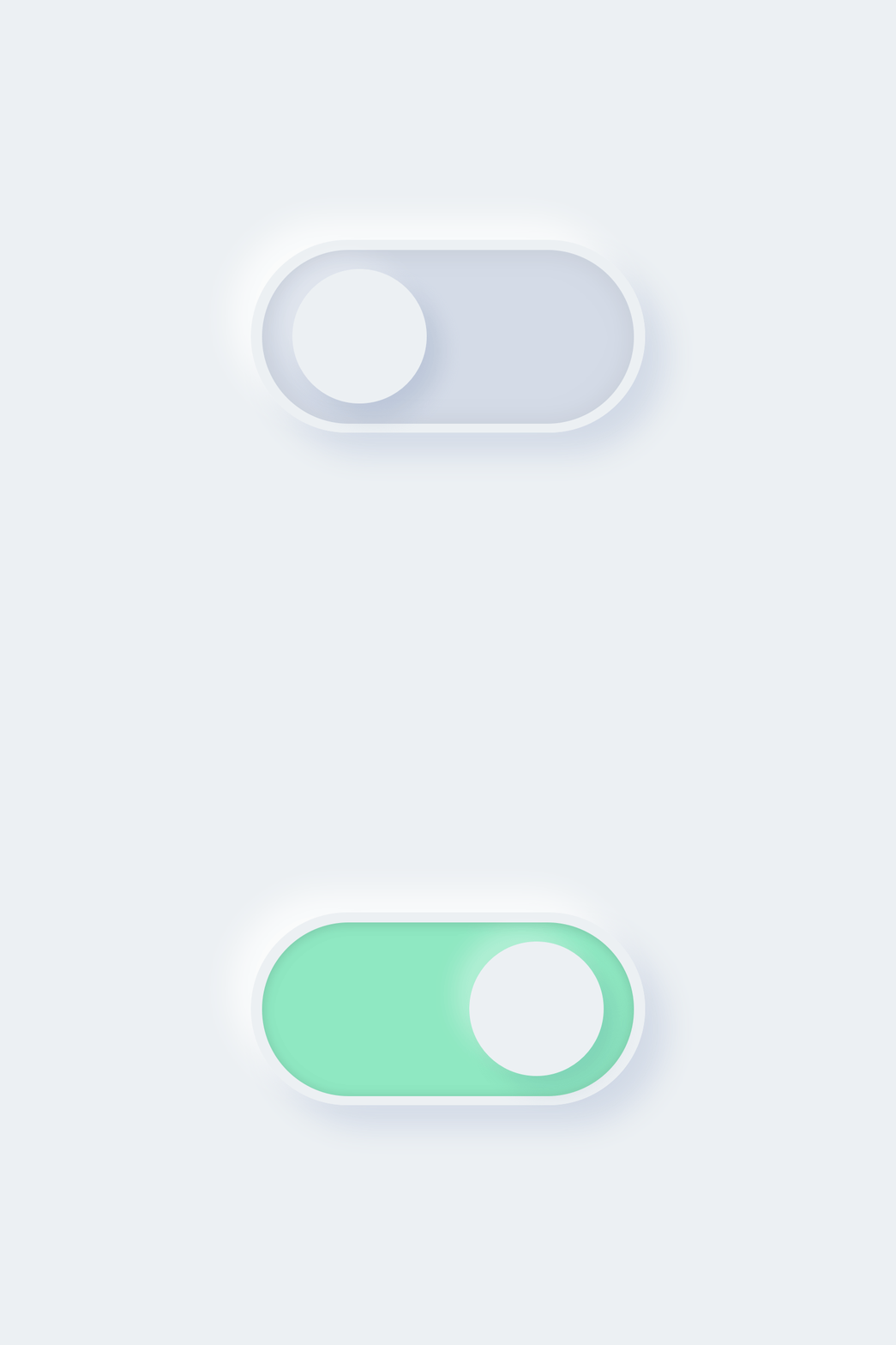
4. Neumorphic Toggle: 
Uses neumorphic design, which means imitating soft, lifted shapes.
Features
  • Subtle shadows and highlights help produce a 3D effect
  • Complements neumorphic UI theming
  • Use case: Trendy for use with modern dashboards.


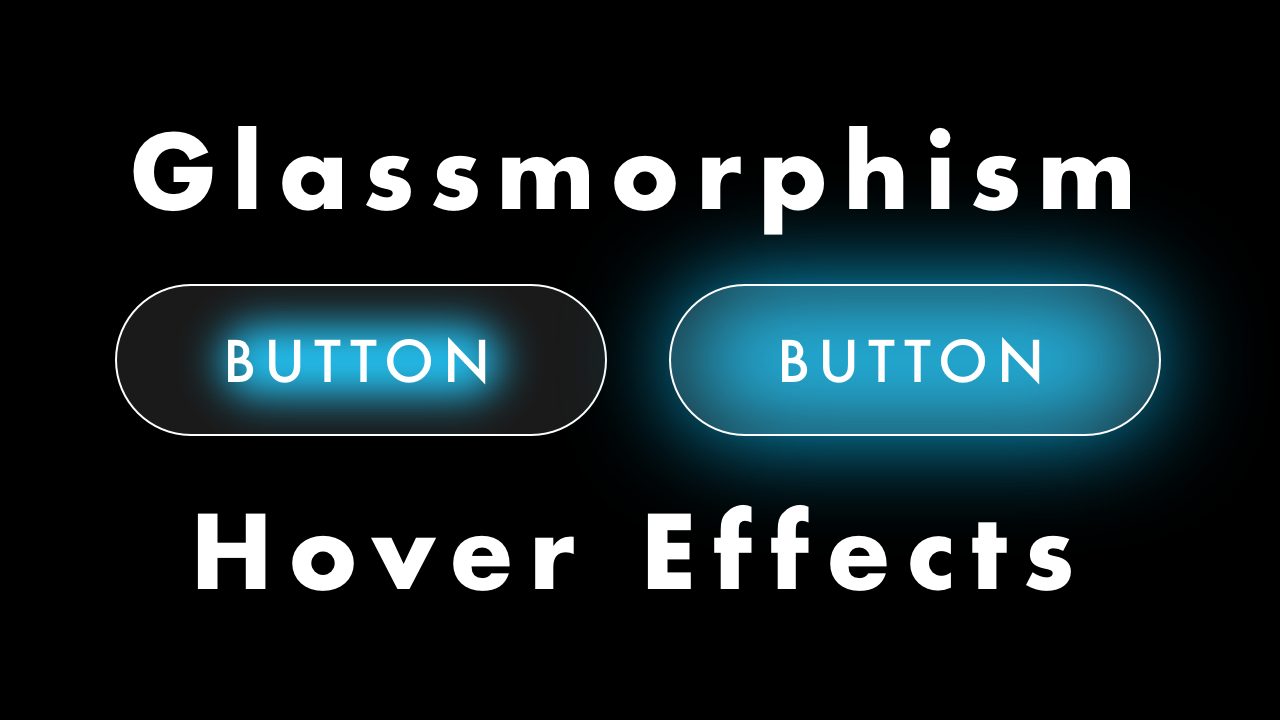
5. Glassmorphism Toggle:

Frosted glass-style toggle with a transparent background
Features
  • Futuristic look
  • Elegant look.
  • Often combined with bright colors.
  • Use Case: Suitable for apps or websites with a glassmorphism design.
6. Text/Label Switch:
Toggle switches where the knob is replaced by text, such as "Yes"/"No" or "1"/"0".
Features:
  • Offers readability through clearly visible labels.
  • Can be used with different fonts and styles.
  • Use Case: Best suited when the state of the toggle needs to be clearly communicated.

7. Animated Toggle:

Adds whimsical animations while switching states.
Features
  • Bounce, color gradients, or flipping
  • Catchy transitions
  • Use Case: Best for entertainment or gaming websites.


8. Material Design Toggle:
Based on Material Design guidelines of Google.
Features:
  • Minimalist design with the ripples effects when clicked
  • Color-coded (like green on and gray off).
  • Use case: Perfect for those websites following the Material design guideline.

9. Gradient Toggle:

Adds gradients for a striking look.
Features:
  • Gradient colors for the knob or track.
  • Smooth gradient transitions on toggle.
  • Use Case: Modern websites or designs with bright themes.

10. Split Toggle:

Splits the toggle into two sections with two different states, both clickable.
Features:
  • Both states are clearly visible and interactive.
  • Unique split design.
  • Use Case: Helpful for cases such as "Buy" and "Sell".

11. Toggle with Tooltip:

Provides a tooltip indicating what the toggle is or represents.
Features:
  • Improves user instructions.
  • Tooltip can be hovered or focused on.
  • Use Case: Useful for settings with many options


12. Custom Shapes Toggle:
Toggle with a shape that isn't a square, circle, triangle, etc., but instead might be stars, hearts, or other shapes.
Features:
  • Extremely customizable and entertaining.
  • It brings personality to the UI.
  • Use Case: Very good for humorous or specialized websites.

13. Skeleton Loading Toggle:

Toggle with skeleton loading placeholders while pages are loading.
Features:
  • States loading
  • Increases user experience in slower networks.
  • Use Case: Good for dynamic or data-driven applications.
14. Invisible or Transparent Toggle:
It is a minimalist toggle with almost invisible design that can be used as a background feature.
Features:
It focuses on subtlety.
It uses hover or active states for visibility.
Use Case: Minimalist websites or hidden options.


Thursday, 2 January 2025

𝗠𝗮𝘅𝗶𝗺𝗶𝘇𝗲 𝗣𝗿𝗼𝗱𝘂𝗰𝘁𝗶𝘃𝗶𝘁𝘆 𝘄𝗶𝘁𝗵 𝗪𝗼𝗿𝗸𝗧𝗶𝗺𝗲 𝗥𝗲𝗺𝗼𝘁𝗲 𝗠𝗼𝗻𝗶𝘁𝗼𝗿𝗶𝗻𝗴


WorkTime Remote Monitoring is a strong tool that enhances employee productivity, especially in a remote work setting. It allows organizations to stay efficient while still respecting the privacy of employees through actionable insights and accountability. Here's how WorkTime Remote Monitoring can boost productivity:

1. Track and Optimize Time Usage

  • Real-Time Monitoring: Understand how employees allocate their working hours by tracking application and website usage.
  • Identify Time Wasters: Identify what distracts, such as websites not related to work or too much social media.
  • Focus: Give feedback to employees on better time management and reducing distractions.

2. Increase Workflow Efficiency

  • Productivity Trends: Identify peak productive hours and schedule according to that.
  • Task Prioritization: Help teams focus on the most important tasks by analyzing workflow patterns.
  • Automation Opportunities: Identify repetitive tasks that can be automated to save time.

3. Support Transparent Remote Work Culture

  • Foster Trust: Use transparent monitoring policies to make employees feel respected and valued.
  • Set Clear Expectations: Define goals and KPIs, aligning monitoring metrics with performance benchmarks.
  • Feedback Mechanism: Provide constructive feedback based on monitoring data to help employees grow.

4. Improve Security

  • Data Protection: Monitor for unauthorized data access or risky online behavior to safeguard sensitive information.
  • Policy Compliance: Ensure employees adhere to company security protocols and work policies.

5. Track ROI on Tools and Resources

  • Software Use: Identify which ones are most productive and the ones that are least utilized.
  • Resource Optimization: Eliminate unused licenses or duplicated applications.

6. Work-Life Balance

  • Overwork Monitoring: Identify people overworked and prone to burnout.
  • Flexible Scheduling: Apply the insights gathered from monitoring to balance employee needs and peak productivity time.

7. Obey Legal and Ethical Standards

  • Respect Privacy: Adopt non-intrusive monitoring approaches that focus on work-related activities.
  • Compliant Policies: Ensure monitoring practices align with local labor laws and regulations to avoid any legal issues.

8. WorkTime Integration with Team Tools

  • Project Management Systems: Integrate monitoring data with Trello, Asana, or Jira to make the workflow seamless.
  • Communication Platforms: Monitor engagement on Slack or Microsoft Teams to enhance collaboration.


Key Features of WorkTime Remote Monitoring

  • Detailed Reports: Comprehensive summaries of productivity levels, app usage, and idle time.
  • Customizable Settings: Tailor monitoring parameters to suit organizational needs.
  • Non-Intrusive Monitoring: Focus on work-related activities without capturing sensitive personal data.

Wednesday, 1 January 2025

𝗕𝗲𝘀𝘁 𝗦𝗮𝗮𝗦 𝗪𝗲𝗯𝘀𝗶𝘁𝗲 𝗧𝗲𝗺𝗽𝗹𝗮𝘁𝗲𝘀 𝗳𝗼𝗿 2025


1. Bulkit

A high-quality SaaS landing page UI kit, built on Gulp, HTML5, and the Bulma framework, offering more than 160 demo pages and 45 component pages. It gives users the choice of over 10 built-in color schemes. The design is responsive, with a modular core for easy theming.


2. TheSaaS

An adaptable and professional template powered by Bootstrap 4, suitable for SaaS, software, startup, and web application landing pages. It includes 15 landing page samples, over 130 unique HTML pages, and more than 300 component variations. Features a harmonious design, comprehensive plugin collection, and SASS pre-processor for customization.


3. SaasLand

A dynamic HTML5 template tailored for SaaS products, startups, agencies, software, and app showcases. It offers over 200 element blocks, 65+ unique pages, and 20+ homepages. Features include CSS3 animations, a special theme panel for portfolios, and a responsive layout built on the Bootstrap 4 framework.


4. DashCore

An agile and adaptive premium HTML template for software solutions, SaaS products, startups, and mobile apps. Built with Bootstrap 5, HTML, and CSS3, this template provides a lightweight design with comprehensive customization capabilities. It comes with a responsive layout, UI kit elements, and modern cross-browser support.


5. Sofbox

It's a responsive, clean and harmonious design SaaS website template which suits software landing pages and web applications. Features a mobile-friendly and fully responsive layout with a fluid design. Offers Slider Revolution plugin for creating responsive sliders. Supports visual element editor with a drag & drop interface. Provides W3C validated coding that lets it operate fluently.

6. Saasbox

Created with creative tech and well-organized code, Saasbox offers 4+ homepages, 5+ shop pages, and 8+ blog page layouts. Features include an Ajax contact form, animated headlines, cookie alert function, Isotope filtering, and Magnific Popup for alerts and videos.


7. Deski

A fantastic HTML5 template with a beautiful and unique layout, offering more than 30 HTML files, including 11 different homepages. Features include over 100 building blocks, event ticket organizer and seller, SEO-friendly blog pages, cross-browser compatibility, and clean, well-commented code for smooth operation.

Best Patterns Generator Websites for Your Design

  1. Pattern Monster Free online tool to generate seamless SVG patterns. Customizable colors, shapes, and scales. Download in multiple forma...