Sunday, 2 February 2025

Best Patterns Generator Websites for Your Design


1. Pattern Monster

  • Free online tool to generate seamless SVG patterns.
  • Customizable colors, shapes, and scales.
  • Download in multiple formats (PNG, SVG).

2. Cool Backgrounds

  • Abstract and geometric patterns.
  • Website backgrounds and social media graphics.
  • Free to use and export in high resolution.

3. Hero Patterns

  • Repeatable SVG background patterns.
  • Customizable opacity, colors, and sizing.
  • Perfect for website and UI design.

4. Patterninja

  • Users can create seamless repeating patterns.
  • Includes a variety of icons and graphics.
  • Drag-and-drop customization.

5. DinPattern

  • Free seamless patterns with unique textures.
  • Best for web and print designs.
  • Downloadable as PNG and JPG.

6. Trianglify

  • Generates polygonal, low-poly patterns.
  • Perfect for modern and abstract designs.
  • Adjustable colors, density, and size.

7. PatternPad

  • Real-time pattern customization.
  • Exports as PNG, SVG, or seamless background.
  • Great for branding and textile design.

Friday, 31 January 2025

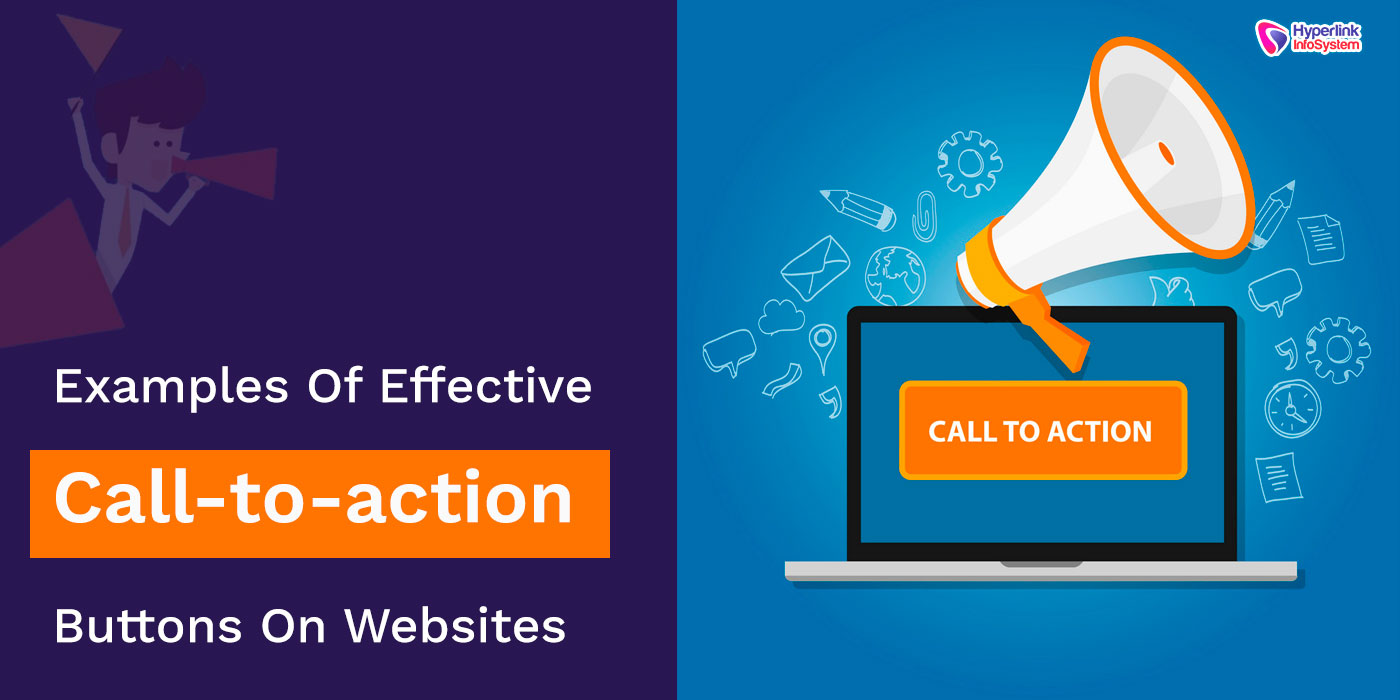
𝐇𝐨𝐰 𝐭𝐨 𝐂𝐫𝐞𝐚𝐭𝐞 𝐄𝐟𝐟𝐞𝐜𝐭𝐢𝐯𝐞 𝐂𝐚𝐥𝐥-𝐭𝐨-𝐀𝐜𝐭𝐢𝐨𝐧𝐬 𝐢𝐧 𝐖𝐞𝐛 𝐃𝐞𝐬𝐢𝐠𝐧


1. Use action-oriented language.

  • Make the content clear and attention-grabbing.
  • Use the verbs that directly call for a prompt action :
  • "Get Started", "Download Now", "Claim Your Offer".

2. Make CTAs Pop

  • Utilize contrasting color to make sure it stands out.
  • Keep proper white space in the CTA button.
  • Highlight the font style to read with ease.

3. Urgency

  • Call action with time-sensitiver words
  • e.g. "Limited Offer", "Sign up before it is gone", "Join today–50% Off!"

4. Optimize size and placement

  • Place CTAs where they are most likely to be noticed: above the fold, at the bottom of blog posts, in pop-ups.
  • Big enough to touch on a mobile device.

5. Personalize to the User

  • AI-driven or dynamic CTAs that change based on user behavior
  • Examples: "Resume Your Course", "Continue Shopping".

6. Lower the Risk through Social Proof & Guarantees

  • Add trust signals close to the CTA
  • "Join 50,000+ Happy Users", "Money-Back Guarantee".

7. A/B Test for Performance

  • Experiment with different colors, wordings and placements.
  • Track clicks and conversions to see what works best.

Wednesday, 29 January 2025

𝐖𝐞𝐛𝐬𝐢𝐭𝐞 𝐀𝐧𝐢𝐦𝐚𝐭𝐢𝐨𝐧 𝐄𝐱𝐚𝐦𝐩𝐥𝐞𝐬 𝐚𝐧𝐝 𝐄𝐟𝐟𝐞𝐜𝐭𝐬.


Website animations enhance user experience by making interactions smooth, engaging, and visually appealing. Here are some popular types of website animations along with examples and effects:

1. Loading Animations

  • Example: Skeleton screens, spinners, or progress bars (e.g., Facebook’s skeleton loaders).
  • Effect: Keeps users engaged while content loads.

2. Hover Effects

  • Example: Buttons changing colors, images zooming in (e.g., Apple’s product hover effects).
  • Effect: Provides visual feedback and enhances interactivity.

3. Parallax Scrolling

  • Example: Foreground moving at a different speed to the background (e.g., Homepage in Airbnb).
  • Effect: Provides an illusion of depth and creates movement.

4. Scroll Animations

  • Example: Elements fading in, sliding or appearing as one scrolls (e.g., Stripe's website)
  • Effect: Bumps up engagement and storytelling.

5. Microinteractions

  • Example: Like button animations on social media (e.g., LinkedIn, Instagram).
  • Effect: increases users' interaction and usability satisfaction

6. Page Transitions

  • Example: Smooth fades or slides/morphing between pages (e.g., Uber's app interface).
  • Effect: makes browsing a smooth experience.

7. 3D & WebGL Animations

  • Example: Interactive 3D models and environments (e.g., Google’s "Material Design" demos).
  • Effect: Immersive and futuristic feel.

8. Text Animations

  • Example: Typing effects, text reveal animations (e.g., Medium’s article headers).
  • Effect: Enhances readability and engagement.

9. SVG & Lottie Animations

  • Example: Animated icons and illustrations (e.g., Airbnb’s Lottie animations).
  • Effect: Smooth, lightweight, and vector-based for high performance.

"We Can Help You Build Your Website – Contact Us Now!"

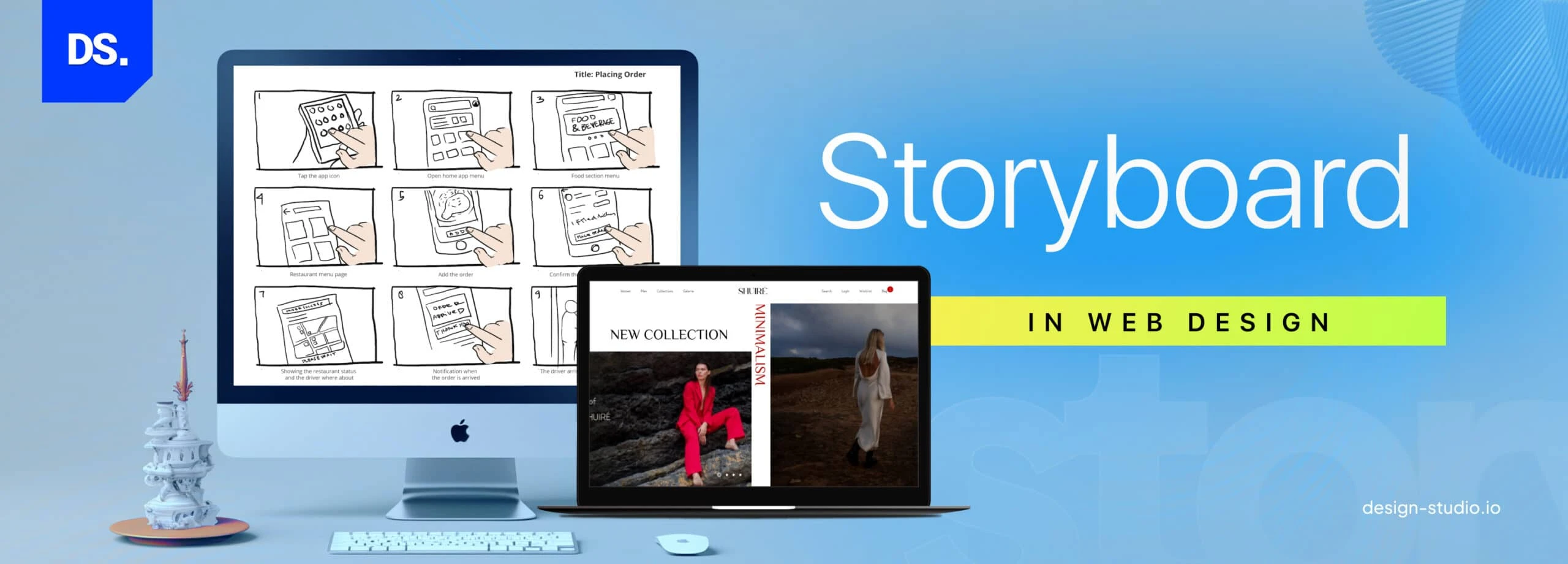
What is a Storyboard in Web Design


A storyboard in web design is a visual planning tool that outlines the structure, layout, and flow of a website before development begins. It acts as a blueprint, helping designers and developers map out key elements such as navigation, content placement, user interactions, and page transitions.


Why Use a Storyboard in Web Design?


✔ Visualizes the Website Structure – Helps teams and stakeholders understand how different pages connect.

✔ User Experience (UX) Improvement – Provides logical navigation and content flow.

✔ Collaboration Improvement – Aligns designers, developers, and clients with the project's goals.

✔ Revision & Error Reduction – Points out problems early on, thus saving time and costs.


Components of a Web Design Storyboard

???? Wireframes: Low-fidelity mockups or sketches of each page.

???? Navigation Flow: How the user navigates from one page to another.

Content Placement: Text location, image placement, CTAs, and interactive content.

User Actions: Clicks on buttons, submits forms, navigations in the menu.

Visual Elements: Color schemes, typography, and branding.

How to Make a Web Design Storyboard

1. Define Website Goals – Identify the target audience and purpose of the site.

2. Sketch the Layout – Create rough wireframes for key pages.

3. Map the Navigation Flow – Show how pages connect.

4️. Placement of Content Elements – Positioning text, images, and CTAs.

5️. Review and Refine– Get some feedback and adjust before finalizing the design.

"We Can Help You Build Your Website – Contact Us Now!"

Tuesday, 28 January 2025

Feature of Django


1. MVT Architecture

Django uses the Model-View-Template (MVT) design pattern, promoting a clear separation of concerns for easy development and maintenance.

2. ORM (Object-Relational Mapping)

Its built-in ORM allows developers to interact with databases using Python objects instead of raw SQL, simplifying database management.

3. Admin Interface

Django offers a ready-to-use, customizable admin interface for managing application data without additional coding.

4. Security

It includes strong security against the usual attacks such as SQL injection, CSRF, XSS, and clickjacking to keep the application secure.

5. Authentication System

Django has an extensive authentication system. The process of logging in, logging out, and registration for the user and setting up permissions are done with absolute ease.

6. URL Routing

Clean, human-readable URLs can be defined easily with Django's flexible URL dispatcher.

7. Scalability

Scalable, built for high traffic and complex applications, it can handle large-scale projects.

8. Rapid Development

With built-in tools, libraries, and reusable components, Django significantly reduces development time while maintaining quality.

"We Can Help You Build Your Website – Contact Us Now!"

Monday, 27 January 2025

𝗪𝗵𝘆 𝐚𝐬𝐩.𝐧𝐞𝐭 𝐜𝐨𝐫𝐞 (𝐜#) 𝗕𝗲𝘀𝘁 𝗙𝗼𝗿 𝗪𝗲𝗯 𝗗𝗲𝘃𝗲𝗹𝗼𝗽𝗺𝗲𝗻𝘁?


1. Cross-Platform Support

ASP.NET Core is a cross-platform framework, allowing developers to build and deploy web applications on Windows, macOS, and Linux. This flexibility is ideal for modern development teams that work across diverse environments.

2. High Performance

ASP.NET Core is highly high-performance, through the Kestrel web server, and has native optimizations. ASP.NET Core also is one of the fastest available frameworks for Web applications and is designed for high loads to be handled properly.

3. Open Source

ASP.NET Core, being open-source, has a strong community of contributors who work hard to improve it further. This involves continuous innovation with regular updates. It also makes community support widely available.

4. Built-in Dependency Injection

ASP.NET Core has built-in support for dependency injection, which encourages modularity and better testability of your application.

5. Unified Development Model

It provides a unified approach to building web applications, APIs, and real-time applications using the same framework and programming language (C#), which simplifies the development process.

6. Razor Pages and MVC

The choice is between Razor Pages for less complex scenarios and the MVC architecture for more complex applications. Both are very powerful and developer-friendly.

7. Better Security

ASP.NET Core comes with some of the most robust security features, including built-in authentication and authorization systems, such as integration with external providers like OAuth, Google, and Facebook.

8. Asynchronous Programming

With the async/await patterns in C#, developers can create scalable applications that can handle multiple simultaneous requests without performance bottlenecks.

9. Comprehensive Tooling

The framework integrates seamlessly with Visual Studio, Visual Studio Code, and other popular IDEs, offering powerful debugging, testing, and development tools.

10. Cloud-Ready

ASP.NET Core is designed with modern cloud-based architectures in mind. Its lightweight nature and compatibility with Docker and Kubernetes make it an excellent choice for microservices and cloud-native applications.

11. Wide Ecosystem

Developers can tap into the rich ecosystem of.NET and leverage the extensive library of tools, components, and integrations to accelerate development and add rich features.

12. Ease of Maintenance

C# is a modern, type-safe, and object-oriented programming language. In conjunction with the structured approach of ASP.NET Core, this makes maintenance and scaling of applications much easier.


Use Cases for ASP.NET Core:

  • Enterprise web applications.
  • APIs for mobile or IoT apps.
  • E-commerce platforms.
  • Real-time web apps using SignalR (e.g., chat apps).
  • Cloud-native microservices.

"We Can Help You Build Your Website – Contact Us Now!"

Thursday, 23 January 2025

𝗪𝗵𝘆 𝗱𝗷𝗮𝗻𝗴𝗼 𝗕𝗲𝘀𝘁 𝗙𝗼𝗿 𝗪𝗲𝗯 𝗗𝗲𝘃𝗲𝗹𝗼𝗽𝗺𝗲𝗻𝘁?


1. Quick Development

The "batteries-included" approach in Django makes web development easier as it comes with all the parts ready to be used:

Pre-built Features: It includes URL routing, ORM (Object-Relational Mapping), authentication, admin interface, and many more.

Reusable Code: Its modular nature helps developers to write less code while focusing on core functionalities.

2. Scalability

Django is made to handle large traffic and scale efficiently:

Optimized for Load Handling: Its architecture supports caching, load balancing, and asynchronous request handling.

Used by Big Brands: Famous brands like Instagram, Spotify, and Disqus have used Django to manage millions of users.

3. Security

Django protects against common known vulnerabilities and comes with the following built-in protections:

CSRF Protection: Protects from cross-site request forgery attacks.

SQL Injection Prevention: Its ORM ensures a safe way to execute queries.

Secure Authentication System: It's fully featured with user authentication and session management.

4. Flexibility

Django will be suitable for various web projects:

Content Management Systems (CMS): Excellent for developing blogs, news portals, and documentation platforms.

eCommerce Applications: Enables custom user flows, payment gateway integration, and inventory management.

API Development: Integrates easily with Django REST Framework (DRF) to build robust RESTful APIs.

5. Community and Documentation

Django is highly active with an excellent documentation community:

Resource Rich: Extensive guides, tutorials, and examples are provided.

Active Community: Developers can seek help from forums like Stack Overflow and Django's official discussion groups.

6. Python-Based

As Django is built on Python, it inherits Python's simplicity and readability:

Beginner-Friendly: Python’s easy-to-learn syntax makes Django accessible to new developers.

Rich Ecosystem: Leverages Python’s libraries for data analysis, machine learning, and more.

7. Built-In Admin Interface

Django's admin interface accelerates backend management:

Auto-Generated Dashboard: Admin interfaces are created automatically based on models.

Customizable: Developers can modify the admin panel to meet specific needs.

8. Open-Source and Cost-Effective

Django is open source, free, and has large contributors who keep it going for free:

Licensing Fees Avoided: There is no need to incur license fees in most businesses.

Automatic Updating: Keeps a business secure, with features of the industry in terms of feature parity.

9. Best Practices Incentive

Django facilitates clean, maintainable, and scalable code in the following way:

MVC Architecture: Encourages better organization of the project.

Reusability: Apps are easily reusable in projects.

Testing: Unit testing by Django.

10. Internationalization and Localization

Django supports multi-language applications:

Translation System: Makes it easy to create applications for a global audience.

Time Zone Support: Handles time-sensitive features seamlessly.

"We Can Help You Build Your Website – Contact Us Now!"
Best Patterns Generator Websites for Your Design

  1. Pattern Monster Free online tool to generate seamless SVG patterns. Customizable colors, shapes, and scales. Download in multiple forma...