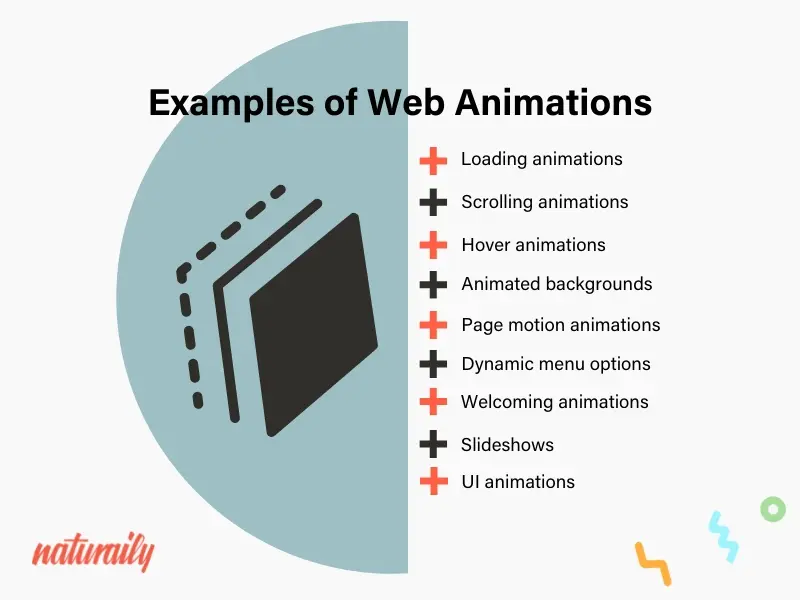
1. Loading Animations:

- Purpose: Used to indicate that content is loading or processing on a website.
- Importance: They do not make the user feel frustrated by showing that some process is taking place in the background. Examples include spinning, progress bar, and moving dots.
- Effect: They help shorten perceived waiting time and keep the user engaged during slow load times.
2. Scrolling Animations:
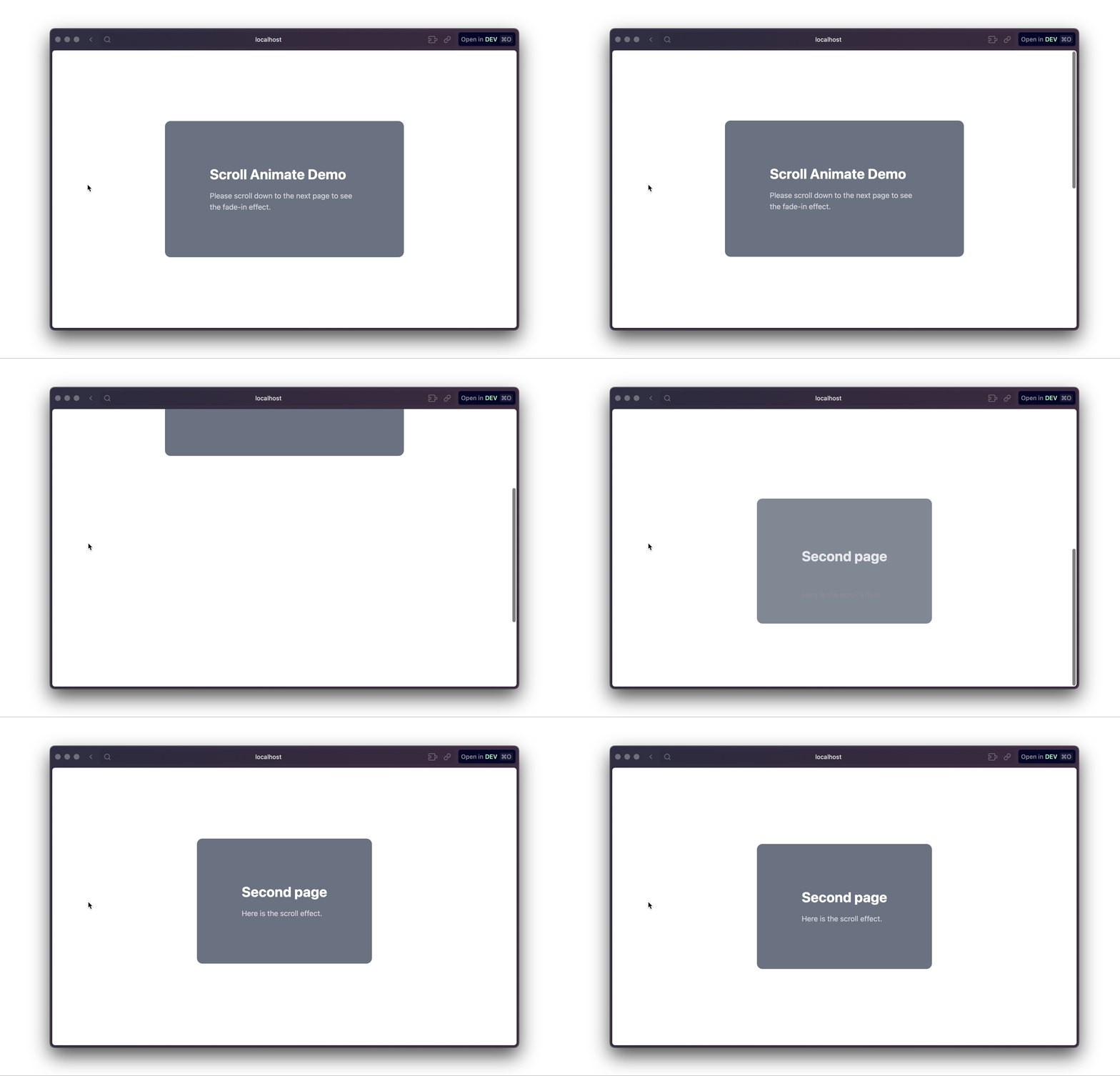
- Purpose: Animations that fire as the user scrolls down the page.
- Importance: They enable making long pages to be more engaging and lively by having content or animations that come up as someone scrolls down the page.
- Effect: this creates an engaging storytelling experience, by which the user can feel more immersed in the content as it unfolds.
3. Hover Animations:
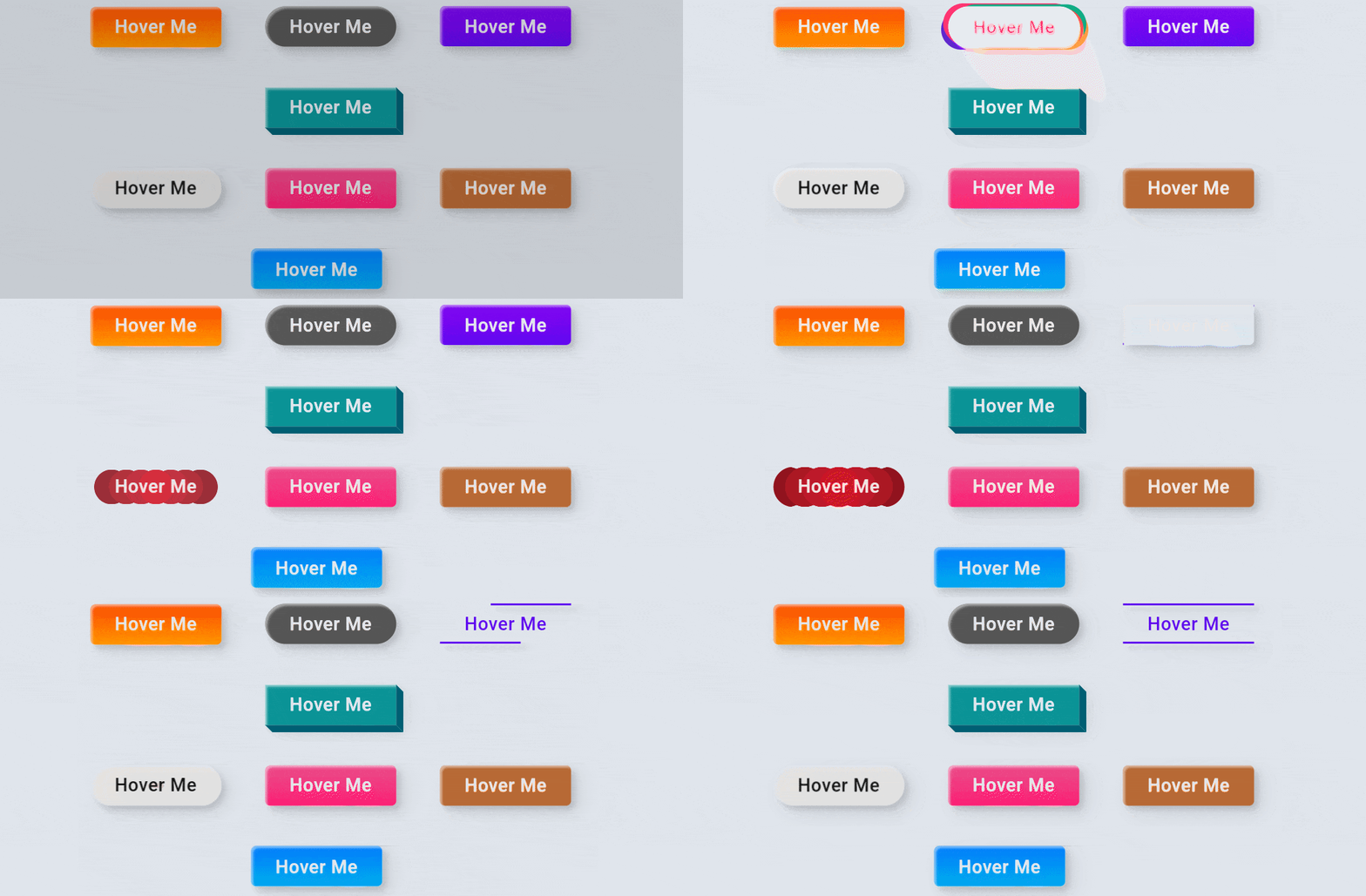
- Purpose: These animations are caused when a user hovers their cursor over an element, like a button or image.
- Importance: They feed back to users quickly, so it's clear that an element is interactive. On the button and link, they are used to change appearance such as the color, size, scale or shadow.
- Effect: Hover effects increase the responsiveness feel and interactivity of an interface to make it even more intuitive.
4. Animated Backgrounds:

- Purpose: Backgrounds that include motion or change over time, often used to create a visually dynamic atmosphere.
- Importance: These animations can be subtle, like gradients shifting, or more complex, like moving shapes or video backgrounds.
- Effect: The animated backgrounds contribute to the tone of the website and make it more interesting and visually appealing.
5. Page Motion Animations:

- Purpose: Animations that occur when the user transitions between pages or sections.
- Importance: These animations can provide a smoother, more engaging navigation experience by transitioning from one page or section to another in a fluid manner (e.g., slides, fades).
- Effect: They reduce jarring page loads, giving the impression that the website is faster and more polished.
6. Dynamic Menu Options:

- Purpose: Animated or changing menus that adjust according to user interaction, like the expansion of submenus, sliding panels, or the rotation of icons.
- Importance: Dynamic menus make the navigation more interesting and optimize the space by showing what is needed at the moment.
- Effect: Improves usability on the site in that menus are more intuitive to use, easy to navigate, and less cluttered.
7. Welcoming Animations:

- Purpose Animations used as an introduction to the site when a user first arrives.
- Importance: These may consist of splash screens, animated logos, or background movements that set the tone for the website and may give a good impression at first glance.
- Effect: A welcome animation creates an identity for the brand and invites customers into an experience if the animation is reflective of the brand's personality.
8. Slideshows:
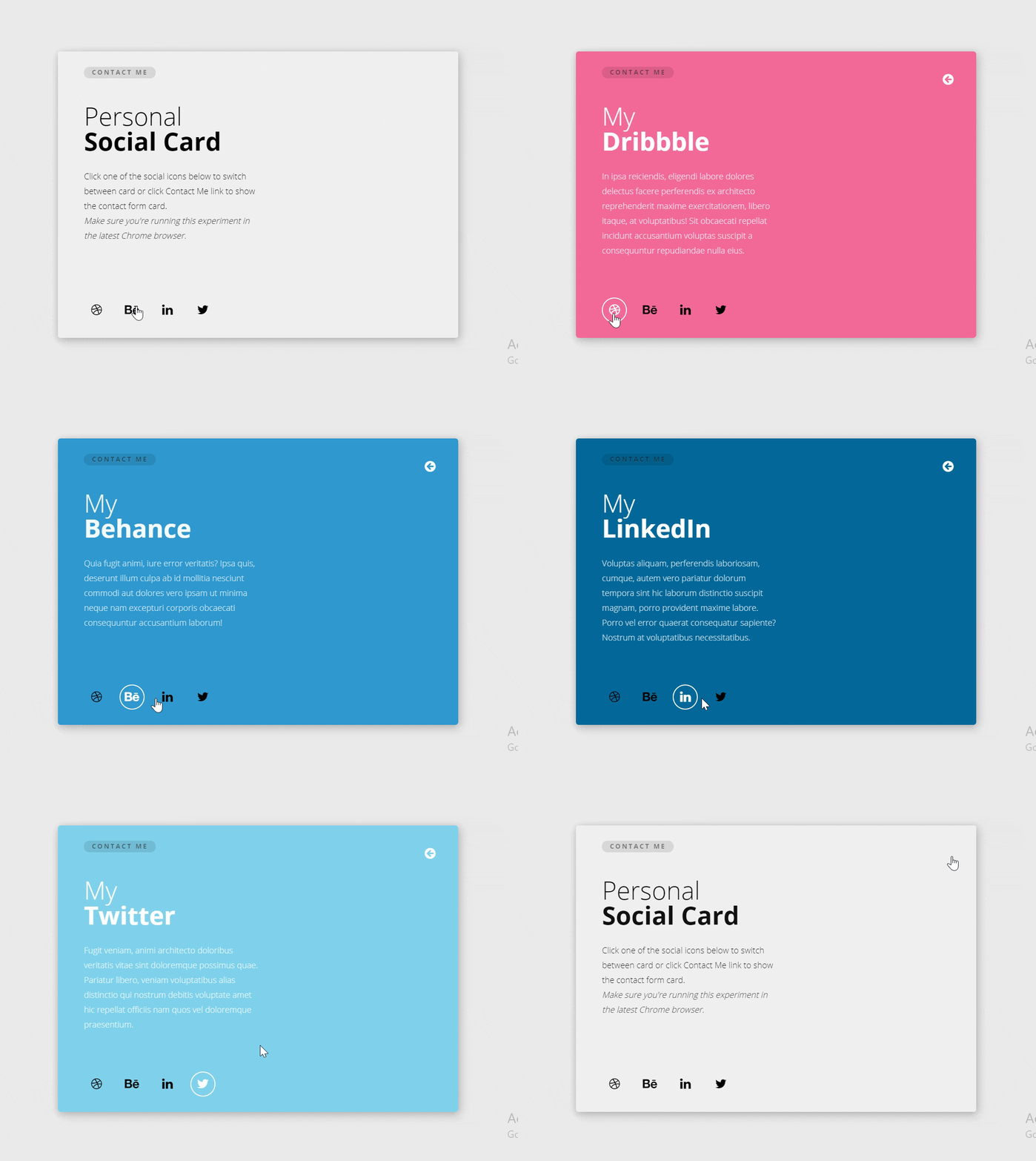
- Purpose: A sequence of images or content that transitions automatically or on user input (e.g., clicking arrows or swiping).
- Importance: Slideshows are commonly used for displaying multiple images, portfolios, or testimonials in a compact and interactive format.
- Effect: They make it easy to present large amounts of visual content in an organized and attractive way while encouraging user interaction.
9. UI Animations:
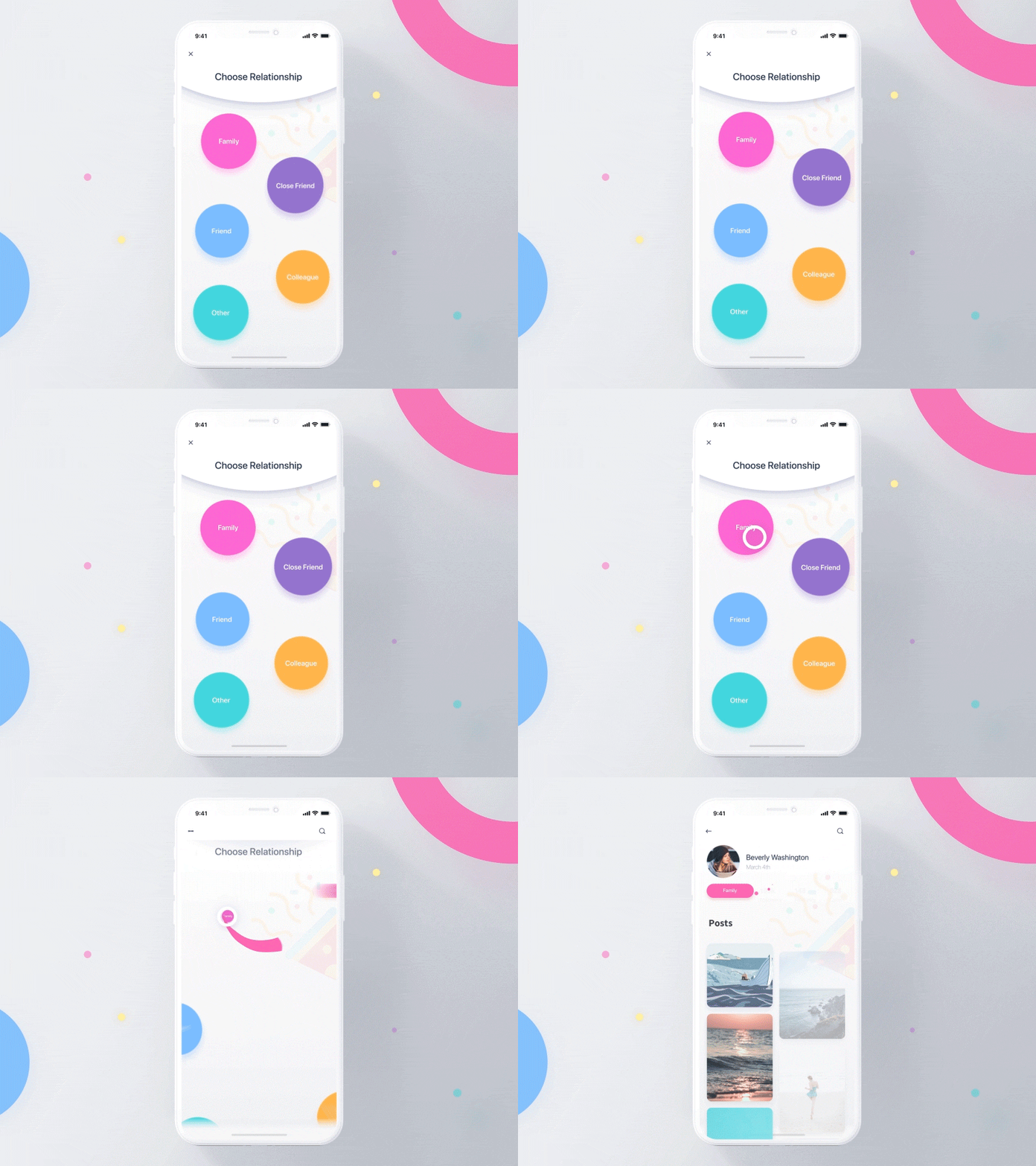
- This means that UI animations are applied to elements such as buttons, form inputs, or modals to feed back and make the interface much more interactive.
- Importance: They assist in letting users know what's going on with elements, like a button being clicked or a form being submitted, making interactions slightly more intuitive.
- Effect: UI animations make the interface feel much more responsive and interactive, which improves communication between the website and the user.
"We Can Help You Build Your Website – Contact Us Now!"


No comments:
Post a Comment