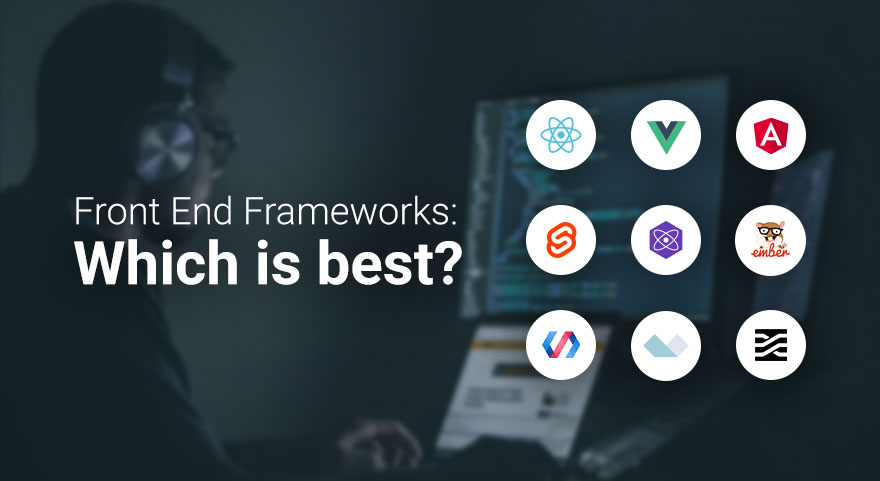
Front-end frameworks are a developer's best tool to create UI for applications by providing pre-built components and libraries. Here is an overview of the most used front-end frameworks, their features, use cases, and strengths:
1. React.js
Developer: Meta (Facebook)
Release Year: 2013
Language: JavaScript
Core Features:
Component-Based Architecture: Breaks the UI into reusable components.
Virtual DOM: Efficient updates and rendering.
One-Way Data Binding: Ensures stable code and easy debugging.
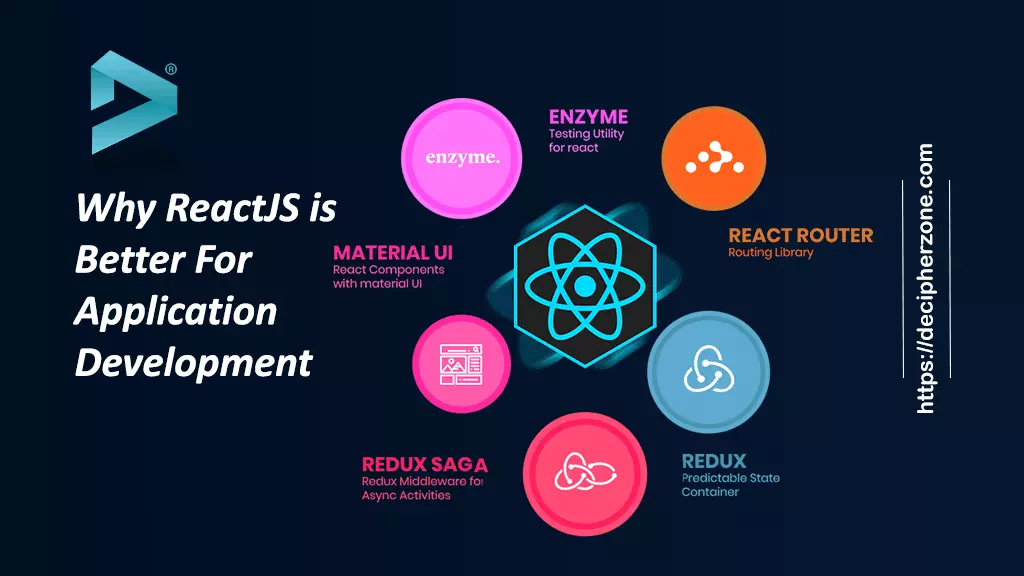
Rich Ecosystem: Includes libraries like Redux for state management and React Router for navigation.
Strengths:
High performance due to Virtual DOM.
Backed by a large community and extensive documentation.
Flexibility to integrate with other libraries or frameworks.
Use Cases:
Building dynamic web applications (e.g., Facebook, Instagram, Airbnb).
Progressive Web Apps (PWAs).
2. Angular
Developer: Google
Release Year: 2010 (as AngularJS); complete rewrite in 2016 as Angular.
Language: TypeScript
Core Features:
Two-Way Data Binding: Synchronizes the model and view automatically.
Dependency Injection: Service management
Directives: It is used for adding custom HTML attributes for enhancing the functionality
Comprehensive Tools: Provides all that is needed to build, test, and debug
Pros:
Full-featured framework that gives a complete solution for front-end development
Great support for enterprise-grade applications
High performance because of Ahead-of-Time (AOT) compilation
Use Cases:
Developing big applications, like Google Workspace applications
Single Page Applications (SPAs)
3. Vue.js
Author: Evan You
Released in: 2014
Programming Language: JavaScript
Main Features:
Reactive Data Binding: The DOM automatically gets updated.
Template Syntax: Combines HTML with directives for dynamic rendering.
Component-Based: Modular and reusable components.
Lightweight: Smaller size compared to other frameworks.
Strengths:
Easy to learn and integrate into projects.
Strong community and rich ecosystem.
Flexibility without enforcing strict project structure.
Use Cases:
Building user-friendly interfaces for smaller to medium-scale projects (e.g., Alibaba, Xiaomi).
Prototyping and rapid development.
4. Svelte
Developer: Rich Harris
Release Year: 2016
Language: JavaScript
Core Features:
Compiler-Based: Converts components into highly efficient vanilla JavaScript during build time.
No Virtual DOM: Direct DOM updates for improved performance.
Reactive Declarations: Simplifies state management.
Strengths:
Extremely fast runtime performance.
Minimal boilerplate code.
Lightweight and easy to learn.
Use Cases:
Building high-performance web apps.
Applications where bundle size and speed are critical.
5. Next.js
Developer: Vercel
Release Year: 2016
Language: JavaScript (React-based)
Core Features:
Server-Side Rendering (SSR): Improves SEO and performance.
Static Site Generation (SSG): Pre-renders pages for speed.
API Routes: Built-in backend functionality.
Automatic Code Splitting: Optimizes bundle size.
Strengths:
Perfect for building modern web apps and websites.
Great support for hybrid rendering (SSR and SSG).
Smooth integration with React.
Use Cases:
E-commerce websites, such as Shopify.
Resource-heavy websites, like blogs or news portals.
6. Bootstrap
Developer: Twitter
Year of Release: 2011
Language: CSS, HTML, JavaScript
Key Features:
Responsive Grid System: Easy creation of responsive designs.
Pre-Styled Components: Buttons, modals, navigation bars, and many more.
Customizable: Theming is quite easy using SCSS variables.
Advantages:
Easy front-end development with components available for direct use.
Fully supports all the latest browsers.
Detailed documentation with numerous examples.
Use Cases:
Rapid prototyping.
Small sites with homogeneous design.